

Elementor is a user-friendly WordPress page builder that lets you create websites with a drag-and-drop editor. It offers customizable templates and widgets, making it ideal for both beginners and pros. If you want an easy way to design a professional website, Elementor is a great choice.
- Easy drag-and-drop editor.
- Tons of templates and widgets.
- Mobile-friendly designs.
- Regular updates and improvements.
- No coding needed.
- Customize headers, footers, and more.
- Can slow down your site with too many elements.
- Some features need time to learn.
Price: $14.99/mo
Elementor has been one of the best website builders for a long time, making it easy for anyone to create beautiful websites without needing coding skills.
However, as the digital world keeps growing, many new website-building tools are emerging. So, is Elementor still the best choice in 2026?
In this Elementor review, we’ll explore what makes Elementor stand out, why it remains a top choice for both beginners and experts, and whether it’s still the best option in today’s fast-changing landscape.
What Actually Is Elementor?
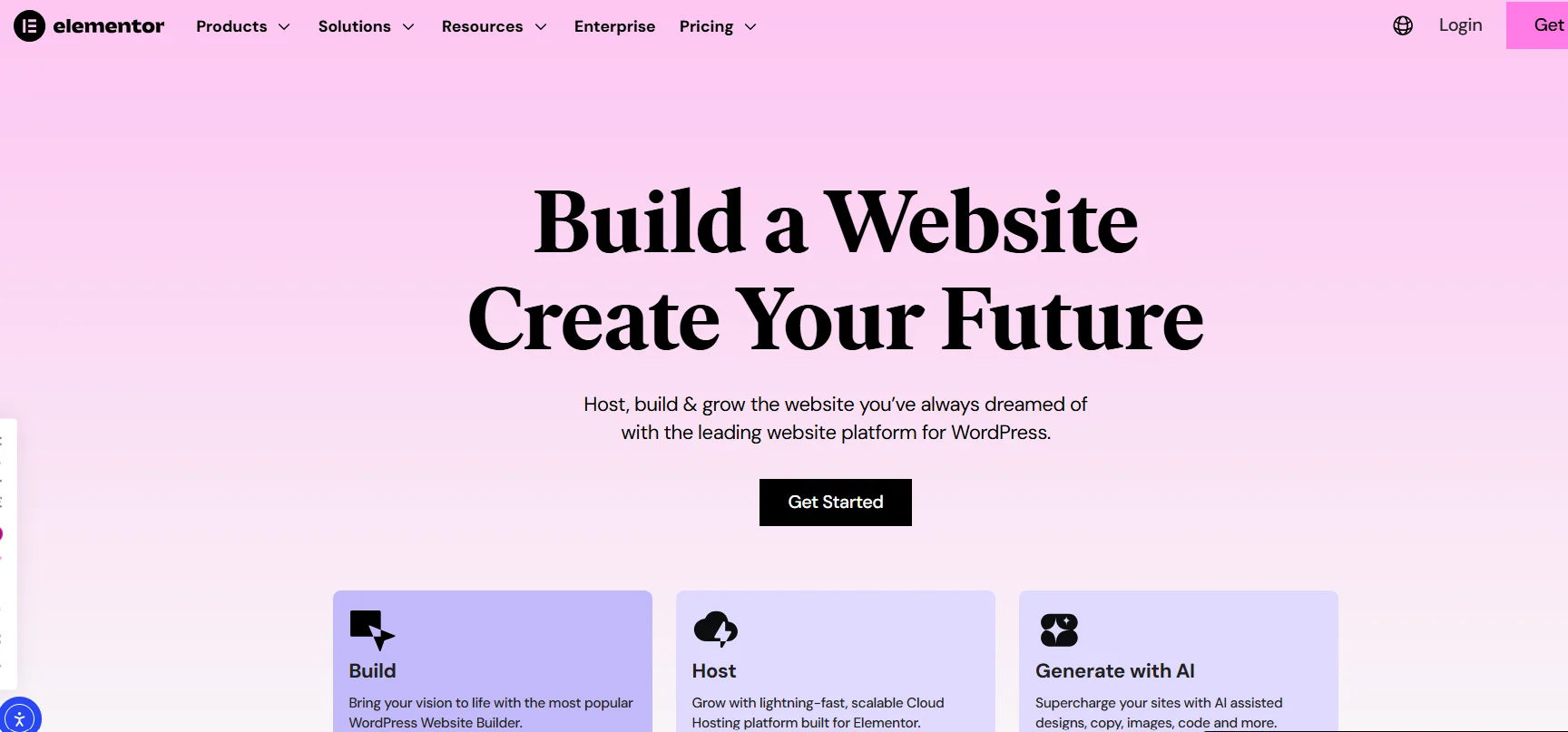
Elementor is a popular page builder plugin for WordPress that lets users design and customize websites using an easy drag-and-drop interface.
Since its launch in 2016, it has become one of the most widely used tools in the WordPress community. With Elementor, users can build and edit pages in real-time without needing to write any code.
The plugin works as an add-on, replacing the default WordPress editor with a visual, canvas-based system. Users create pages by adding sections, columns, and containers, then filling them with content blocks called widgets.
Elementor offers two versions: the free core version, which includes essential tools, and the paid Elementor Pro, which unlocks advanced features like full-site editing, custom headers, footers, popups, and e-commerce builders.
It integrates well with most WordPress themes, especially lightweight ones, and has its own companion theme, Hello Elementor, optimized for performance.
Elementor has also introduced AI-powered tools to help users quickly generate layouts, text, and images. Regular updates keep the plugin aligned with the latest WordPress features and web standards.
In short, Elementor transforms WordPress into a flexible, user-friendly platform for creating websites, making it a powerful tool for both beginners and experienced professionals.
Elementor Products and Services
Elementor offers a range of products designed to help users create, host, and manage WordPress websites. These products include the Elementor page builder plugin, hosting, domain registration, AI-powered features, themes, and tools for improving website accessibility.
These products are designed to work together to provide an all-in-one solution for website creation and management.
Main Products
Elementor Core (Free Plugin)
The base version of Elementor is a free plugin that allows users to build pages visually with a drag-and-drop editor. It includes essential widgets and templates for basic website design. The plugin can be downloaded for free from the WordPress repository.
Elementor Pro
Elementor Pro is a paid upgrade that adds advanced features to the free plugin. It includes additional widgets, a full theme builder, popup tools, WooCommerce support, and dynamic content capabilities. It provides more flexibility and control over site design and functionality.
Elementor AI
Elementor AI integrates built-in AI tools that help generate text, images, layouts, code, and wireframes based on user prompts. These AI tools are available with either Elementor Pro or a hosting subscription.
Elementor Hosting
Elementor offers managed WordPress hosting on Google Cloud, providing fast performance, security, backups, CDN, and the free Elementor builder pre-installed. Advanced features can be added with the Pro version. Hosting plans are designed to improve the site’s overall performance and simplify management.
Domain Registration
Elementor allows users to purchase and manage domain names directly through the platform. Many of the hosting plans come with a free domain for the first year, and privacy protection is included as part of the service.
Hello Theme
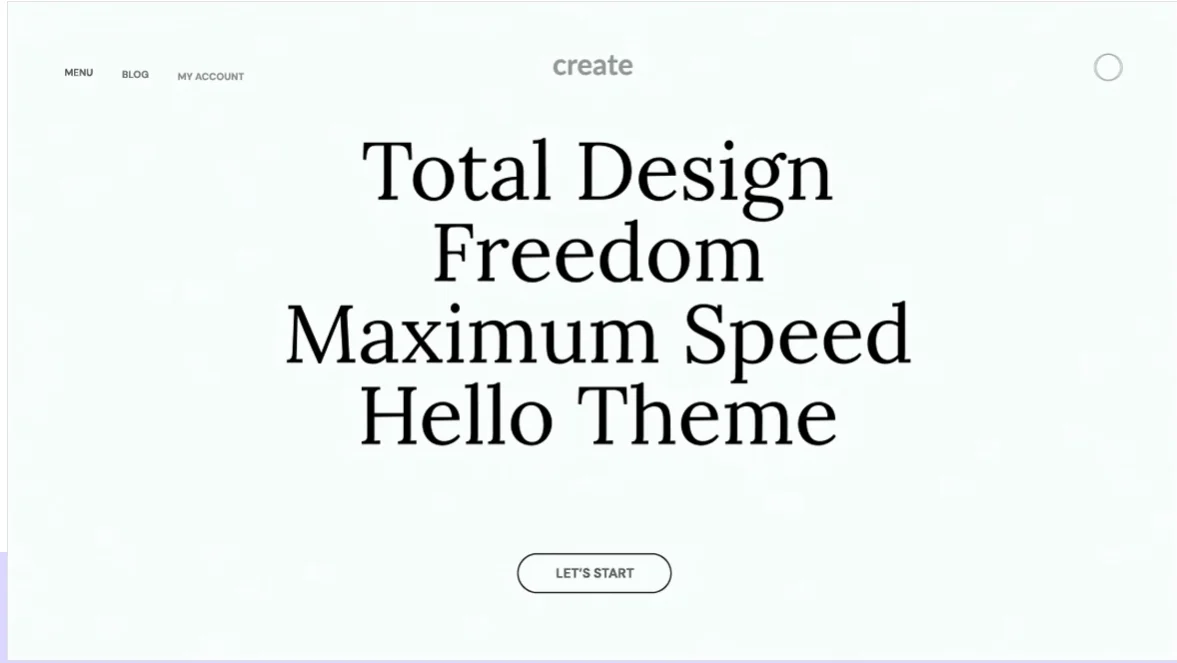
The Hello theme is a free, lightweight WordPress theme optimized for use with Elementor. It provides a simple, clean base that works well for building custom designs without unnecessary bloat.
Ally by Elementor
Ally is a plugin designed to improve website accessibility. It scans sites for accessibility issues and provides tools to fix them, ensuring that websites are usable by a wider range of people, including those with disabilities.
Elementor Versions: Free vs Pro
Elementor offers two versions: a free version (Elementor Core) and a paid version called Elementor Pro. The free version provides the basic drag-and-drop editor and tools to create pages.
Elementor Pro, on the other hand, adds advanced features for full website control, marketing, and e-commerce. Pro works as an extension of the free version.
Both versions share the same live editing interface, responsive controls, and basic design tools like sections, columns, and containers.
Key Differences Between Free and Pro
- Free Version: Focuses on designing individual pages and posts.
- Pro Version: Allows customization of the entire website, including headers, footers, archives, and dynamic content areas.
Feature Comparison
| Feature | Elementor Free | Elementor Pro |
|---|---|---|
| Basic Widgets | Around 30-40 basic widgets (text, image, button, etc.) | Includes all free widgets plus 60+ advanced widgets (e.g., Posts, Portfolio, Forms, Slides) |
| Pro Widgets | Not available | Available (e.g., Posts, Portfolio, Forms, Slides, Login) |
| Theme Builder | Limited to page content | Full customization (headers, footers, posts, archives, 404 pages) |
| Popup Builder | Not available | Yes, with advanced triggers and targeting |
| Form Builder | Basic forms | Advanced forms with email tool integrations |
| WooCommerce Tools | Basic product display | Full e-commerce customization (product pages, cart, checkout) |
| Dynamic Content | Limited | Full support (custom fields, ACF, post data) |
| Custom CSS/Code | Classes/IDs only | Full CSS and code injection |
| Template Library | Basic templates | Hundreds of pro templates and kits |
| Global Styles & Widgets | Basic | Advanced, with site-wide control |
| AI Tools | Limited or none | Full AI assistance (layouts, text, images) |
Which Version Should You Choose?
The free version is perfect for simple websites, blogs, or learning how to use the tool. Elementor Pro is best for more complex sites, online stores, or businesses that need full control over design, advanced marketing tools, and e-commerce features.
You can start with the free version to get familiar with Elementor. If you need more advanced features, you can upgrade to Pro when you’re ready to build a complete website.
Key Features of Elementor
Elementor is a powerful plugin for building WordPress websites using a visual editor. With Elementor, users can drag and drop elements directly onto their pages and see the changes in real-time, making it easy to build and customize their site without needing to write any code.
Both the free and Pro versions of Elementor offer various features, with the Pro version adding advanced options for greater control over the site and enhanced marketing tools.
Elementor comes with over 100 widgets that can be used to add content like text, images, buttons, forms, and more. These widgets can be combined with sections, columns, and containers to build the structure and layout of your pages.
Core Design Features
Drag-and-Drop Editor: You can add and place elements on your page by simply dragging them from the panel. Adjust positions easily for precise layouts without any coding.
Live Real-Time Editing: View your design changes as you work, without needing to switch to a preview mode.
Responsive Controls: Adjust the layout for different devices, including desktop, tablet, and mobile. You can hide or modify elements for specific screen sizes to ensure your site looks great everywhere.
Global Colors and Fonts: Set your site’s colors and typography once and apply them across all pages for a consistent look and feel.
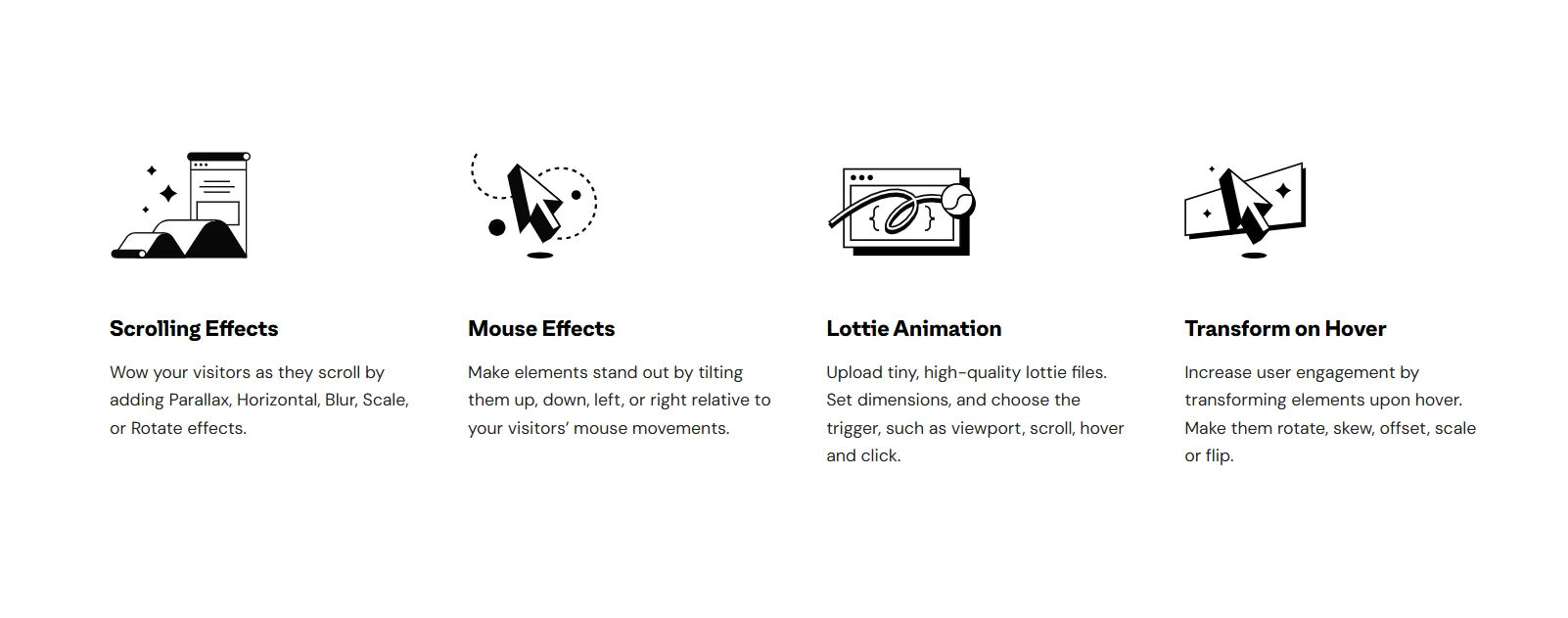
Motion Effects and Animations: Add animations like entrance effects, hover interactions, and scroll effects to make your site more engaging.
Template Library: Choose from hundreds of pre-made page templates and blocks. You can easily import and customize them to fit your site’s design needs.
Advanced Pro Features
Elementor Pro unlocks additional features that allow for more customization and control over your entire website:
Theme Builder: With Elementor Pro, you can design custom headers, footers, single post templates, archive pages, and 404 error pages. This gives you full control over your site’s layout.
Popup Builder: Create pop-ups with triggers such as page load, scrolling, or clicks. You can use pop-ups for lead collection, promotions, or announcements.
Form Builder: Build and customize forms with multiple fields. You can connect these forms to email services for easy lead management and store form submissions.
WooCommerce Builder: Customize the look of your e-commerce store, including product pages, shop archives, the cart, and checkout pages, making it easier to build a unique online store.
Dynamic Content: Pull content from posts, custom fields, or databases and display dynamic content like blog lists or user-specific information. This feature is especially useful for sites that need regularly updated content.
Custom CSS and Code: For advanced users, Elementor Pro lets you add your own custom CSS and code to specific parts of the site, giving you full control over the design.
AI Tools (Recent Additions)
Elementor has recently integrated AI tools to help speed up the web design process and make it more efficient:
AI Site Planner: Enter ideas to automatically generate sitemaps and wireframes, helping you plan your website’s structure easily.

AI Layout Generator: Generate full page designs or sections with simple prompts. This tool helps create a professional layout in minutes.
AI Copywriter: Create text for your website, including headlines or paragraphs, using AI. You can also adjust the tone or translate content to other languages.
AI Image Tools: Generate or edit images based on descriptions, making it easier to create custom visuals for your site.
AI Code Assistant: If you need to write custom CSS, HTML, or JavaScript, the AI Code Assistant can help you generate code and provide guidance.
Other Useful Tools
Revision History: Keep track of changes made to your site, allowing you to revert to previous versions if needed.
Auto Save: Automatically save your work to prevent losing progress during editing.
Maintenance Mode: Display a “coming soon” page while your site is under construction or during updates.
Role Manager: Available in the Pro version, this tool lets you control access levels for team members, allowing you to assign roles and manage permissions.
Elementor Pricing Overview
Elementor offers a free core plugin with basic page-building tools. For more advanced features, Elementor Pro is available through a separate annual subscription. Elementor Hosting provides managed WordPress hosting on Google Cloud, with the free Elementor builder pre-installed.
Elementor Core
Cost: Free
Details: Available for unlimited sites, includes basic widgets, templates, and the editor.
Elementor Pro Plans
These annual subscriptions give access to advanced features like the theme builder, popups, WooCommerce tools, dynamic content, and AI. The price varies depending on the number of sites.
| Plan | Price per Year | Number of Sites | Best For |
|---|---|---|---|
| Essential | $59–$60 | 1 | Single personal or basic site |
| Advanced Solo | $79–$84 | 1 | Single professional or eCommerce site |
| Advanced | $99 | 3 | Freelancers with multiple clients |
| Expert | $199 | 25 | Small agencies or growing businesses |
| Agency | $399 | 1,000 | Large agencies |
Elementor Hosting Plans
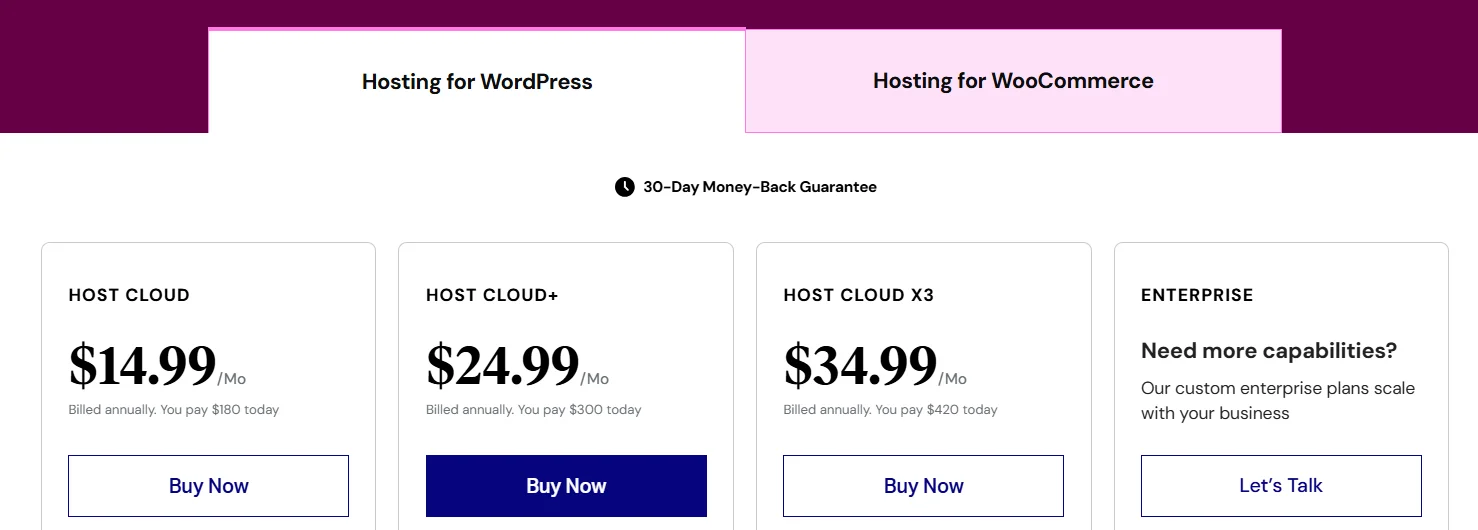
Managed hosting includes features like auto-scaling, security, CDN, backups, SSL, and a free domain (usually for the first year). The Elementor builder is pre-installed, and Pro can be added separately. Plans vary based on the number of sites and resources.
| Plan Name | Sites | Storage | Monthly Visits | Key Notes |
|---|---|---|---|---|
| Host Cloud | 1 | 10 GB SSD | 10,000 | Entry-level, single site |
| Host Cloud+ | 1 | 20 GB SSD | 20,000 | More resources for one site |
| Host Cloud x3 | 3 | 40 GB SSD | 50,000 | Supports multiple sites |
| Host Cloud x10 | 10 | 100 GB SSD | 100,000 | Larger scale for growing sites |
| Host Cloud x25 | 25 | 250 GB SSD | Unlimited | High-volume agencies |
| Enterprise | Custom | Custom | Custom | Custom pricing and features |
Elementor Customer Support
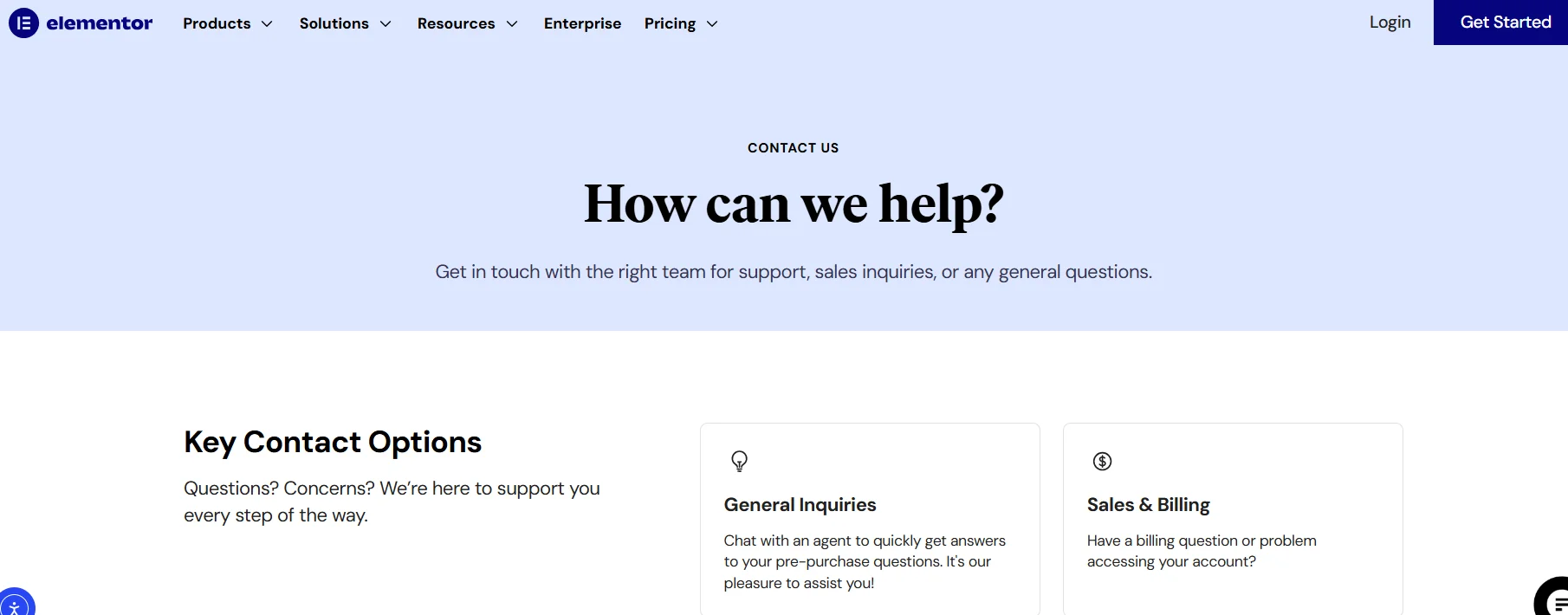
Elementor offers different types of support depending on your plan. Free users have access to self-help resources, while Pro and hosting customers receive direct support from the team.
Support for Free Users
Free Elementor Core users can access the following support options:
- Help Center: A collection of articles, guides, tutorials, and troubleshooting steps to answer common questions.
- Community Forums: A place for users to ask questions and share answers with other Elementor users.
- YouTube Tutorials and Academy: Free video tutorials and courses to help users learn how to use Elementor.
Free users do not have direct access to ticket or chat support.
Support for Elementor Pro Users
Elementor Pro users get premium support, including:
- Ticket System: Submit support tickets through your account at my.elementor.com, and the team responds via email.
- Live Chat: Available directly in the dashboard for quicker support.
- Priority Levels: Higher plans like Expert or Agency get faster responses. Some plans also offer WhatsApp access.
Support covers Elementor features, bugs, and basic WordPress issues related to the plugin.
For many plans, support is available 24/7, especially for hosting customers.
Support for Elementor Hosting Customers
Elementor Hosting plans include full support for:
- Hosting, WordPress core, and Elementor builder issues.
- Quick response times, often under one minute for the first reply.
- Access to live chat, tickets, and expert help for performance or security issues.
Extra Paid Support Options
- One-on-One Video Calls: Book a 45-minute session with an expert for personalized advice.
- Priority or Platinum Support: These upgrades give you access to dedicated agents and faster solutions
User Interface of Elementor
Elementor’s user interface is designed to be simple and visual. When editing a page in WordPress, you click “Edit with Elementor,” and the screen shows the page as it will appear to visitors.
The main area, called the canvas, is where you add and arrange your content. You can create layouts by adding sections, selecting column structures, and dragging widgets like text, images, or buttons into place.
On the left side, there’s a panel that holds all the widgets and settings. When you click on any element in the canvas, the panel shows options to change content, colors, fonts, spacing, or animations.
A top bar offers buttons to save, publish, preview, or switch between desktop, tablet, and mobile views. The design is clean, so you can focus on building the page, with tools appearing only when needed.
This setup makes Elementor user-friendly for beginners and efficient for experienced users.
Elementor Performance and Site Speed
Elementor adds extra code to WordPress sites to enable custom designs, but this code can slow down page load times if not managed properly. However, many Elementor sites still load in under two seconds and perform well in speed tests when best practices are followed.
Site speed depends on factors like hosting, the number of widgets, image sizes, and extra plugins. Good hosting with caching and a CDN can make a big difference. Elementor includes tools like lazy loading, optimized code output, and modern image formats to help maintain fast performance.
Users can also improve speed by compressing images, removing unused features, and using a lightweight theme like Hello Elementor. These steps help keep performance strong, even on more complex pages.
Is Elementor the Ultimate Website Builder?
Elementor is not the ultimate website builder, but it is one of the best for WordPress users. It powers millions of websites with its easy drag-and-drop editor, a wide range of widgets, templates, AI tools, and full-site design in the Pro version.
Both beginners and professionals can create fast, attractive websites without needing to write code.
Other builders like Bricks or Oxygen may be faster, and tools like Divi offer different pricing options. Elementor does add some code, which can slow down pages if not properly optimized.
For most WordPress users looking for power and ease, Elementor comes close to being the best choice. It is ideal for those who value features and simplicity over perfect speed.
Pros and Cons of Elementor
Pros
- Drag-and-drop editor makes website building simple.
- Offers many templates, widgets, and design options.
- Ensures websites look good on all devices.
- Frequently adds new features and improvements.
- Ideal for beginners and non-developers.
Cons
- Too many elements can affect site speed.
- Some features take time to master.
- Many features are only available in the Pro version.
Quicklinks:
- Ontraport Review: Best Tool For Marketing Automation?
- WordPress Review: Best Choice for Your Website?
- Wix Review: The Ultimate Website Builder for Everyone
- Squarespace Review: Best Website Builder In The Market
- CartFlows Review: Is It the Best Funnel Builder?
- Supermetrics Review: Best Data Integration Tool For Marketers?
To Wrap It Up:
Overall, Elementor is a powerful and user-friendly tool for building WordPress websites. It offers a wide range of features, making it suitable for both beginners and professionals.
While it may not be the fastest option, it provides a good balance of ease, customization, and functionality. For most users who prioritize ease of use and design flexibility, Elementor is a great choice.