
OpenAI has introduced a new feature in ChatGPT In Line Editing called writing blocks. The update makes writing inside ChatGPT easier and faster. Users can now edit and format text directly in the chat.
There is no need to copy content into other apps. This change improves how people write emails, blogs, and other documents using AI.
The feature started rolling out to users in mid-December and is still expanding.
ChatGPT Introduces Writing Blocks for Easy In-Line Editing
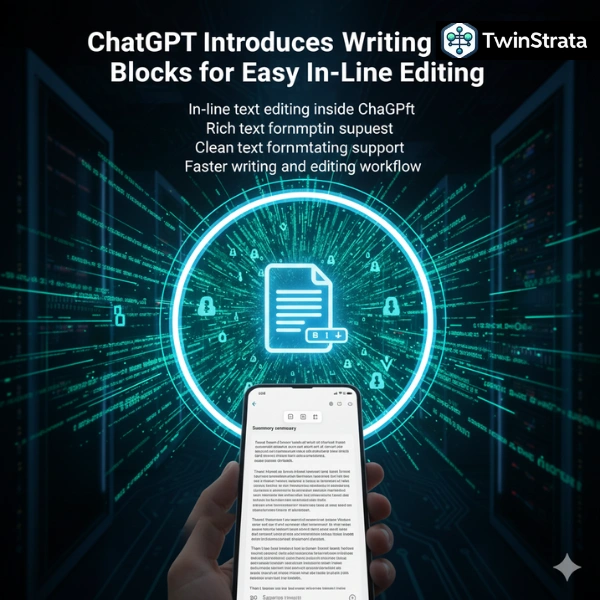
With writing blocks, ChatGPT can now switch from a normal chat view to a document-style editor. This happens when the system detects a writing task, such as drafting an email or article.
Users can click and edit text inside ChatGPT just like a word processor.
Key features of writing blocks:
- In-line text editing inside ChatGPT
- Rich text formatting support
- No need to copy and paste content
- Clean document-style layout
- Faster writing and editing workflow
A small toolbar appears when users highlight text. It allows simple formatting actions. This makes writing smoother and more natural.
Formatting options available:
- Bold text
- Italic text
- Bullet lists
- Numbered lists
- Quick text updates
Users can also highlight text and ask ChatGPT to change it. They can then accept or reject the suggestion. This keeps full control in the user’s hands.
Also read about: ChatGPT Statistics
Gradual Rollout and More Writing Tools Coming Soon
OpenAI is rolling out writing blocks in phases. Not all users have access yet. The company says more features will arrive in future updates.
Right now, users can finish a draft and open it directly in their email app. This helps people send emails faster without leaving ChatGPT.
The design feels familiar. It works like common tools such as Word or Google Docs. This means there is almost no learning curve.
Benefits for users:
- Saves time on editing
- Reduces extra steps
- Helps with emails and blogs
- Useful for work and study writing
OpenAI plans to expand writing blocks with more tools.
Features planned for future updates:
- Tables
- Code blocks
- Image support
- Resume formatting
- Academic writing tools
The company has not shared a full release timeline. It has also not confirmed which subscription plans will get early access.
More News To Read: