

one.com is a solid partner for your first or second website. It focuses on simple setup, clear controls, and useful built-in tools. For users who want to publish content quickly and keep things easy, one.com is a very comfortable and dependable platform.
- Cheap plans for small projects
- Easy dashboard for nontechnical users
- One click WordPress installation available
- Website builder for simple pages
- Support available through live chat
- Storage limits on the entry plan
Price: $4.99
As an affiliate marketer with five years in the game, I’ve tested dozens of platforms. one.com stands out for its no-fuss approach—especially the AI website builder and VPS hosting.
It cuts through the complexity I faced with other tools, like endless plugin conflicts or slow shared servers.
This review focuses on key features, how they work in real use, pricing, and my results. No hype, just what delivers for building and scaling affiliate sites.
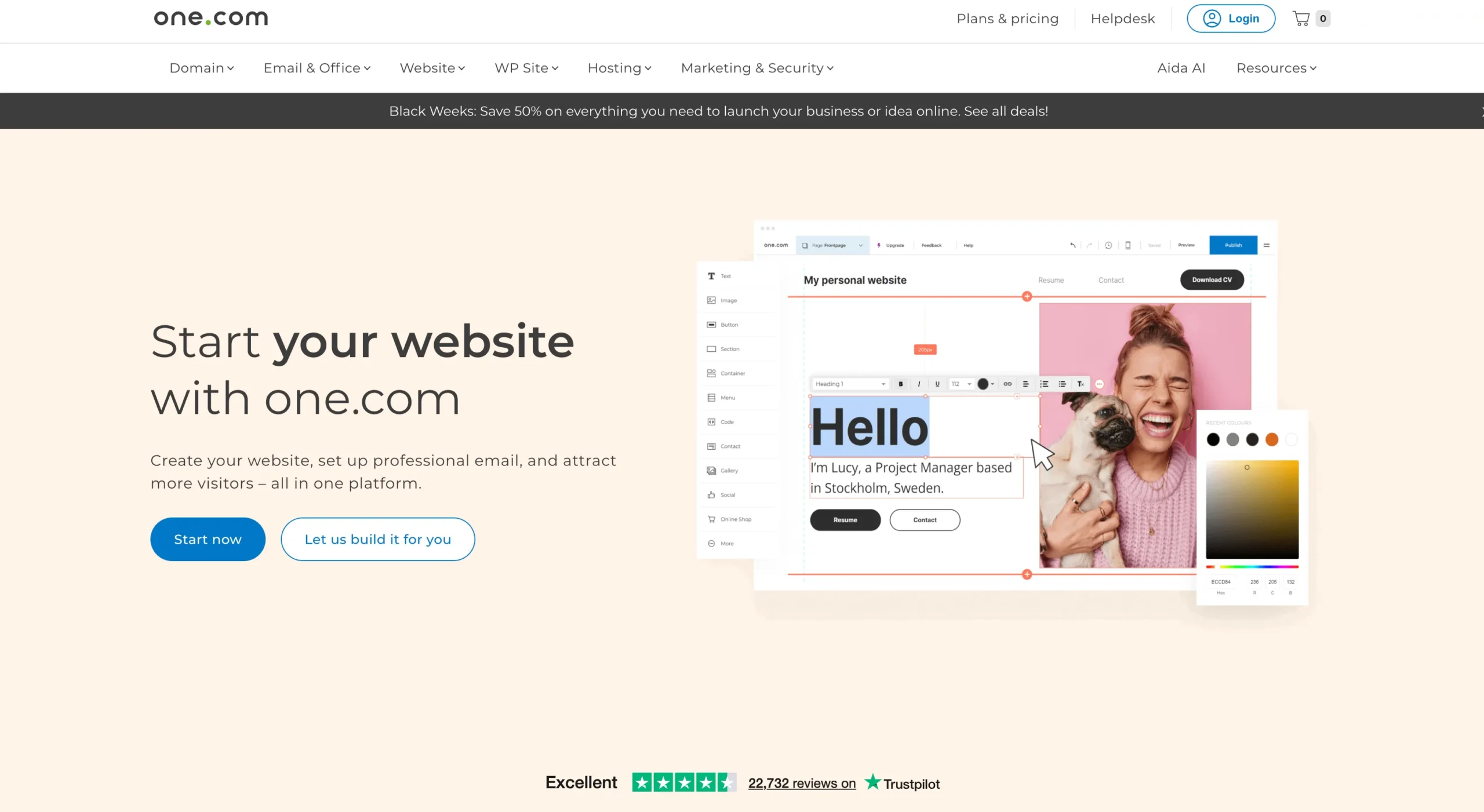
Ecommerce Features: For Hybrid Affiliate-Shop Sites
If you sell digital products alongside links (e.g., eBooks), these tools integrate without extra cost.
1. Products and Inventory
Unlimited listings: Physical, digital, gift cards. Categorize for navigation (e.g., “Gadgets Under $50”). Inventory tracks stock, alerts at low levels. For affiliates, group links as “recommended bundles.”
Orders dashboard handles tracking, invoices, and status updates. Realism: Manual orders (e.g., custom affiliate deals) require noting payments yourself—no auto-pull from external platforms.
Templates are niche-specific (t-shirts, jewelry, furniture)—all mobile-ready. Customize via drag-drop; my clothing site went live with 20 products in a day.
2. Payments and Shipping
Secure by default: SSL encrypts data. Supports Stripe (cards, Apple Pay, Klarna), PayPal, manual.
No one.com fees—only processor cuts (2-3% typical). Shipping via Shipmondo: Set rates (flat, per item, free thresholds), restrictions, or local pickup. Labels print easily.
For digital sales, it’s instant—no shipping needed. In practice: First transaction processed smoothly, but test Stripe setup thoroughly to avoid cart abandons.
3. Analytics and Integrations
Dashboard shows sales, top products, VAT/shipping breakdowns. Marketing tools: Discounts, cross-sells (e.g., “Pair this review with my guide”).
Accounting links (QuickBooks, Fortnox) automate invoices. For affiliates, tie to email tools for nurture sequences. Realism: Global VAT isn’t fully automated for all countries—manual tweaks needed for complex setups.
Setup: Four steps—domain, products, payments, publish. FAQs cover basics like “What products can I sell?” (anything legal).
Hosting and VPS: Reliability for Growing Traffic
Basic hosting suits starters; VPS scales for high-volume sites.
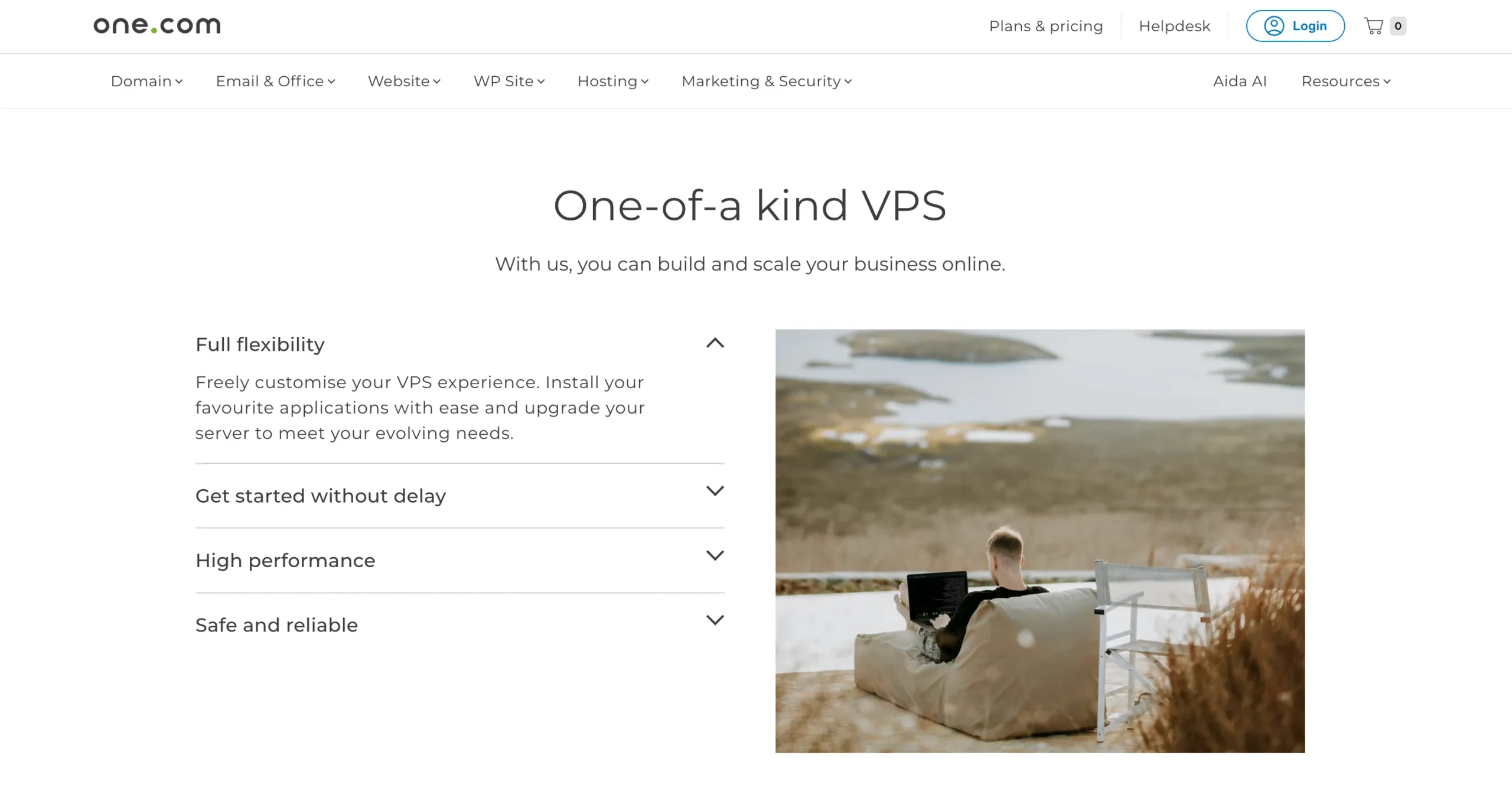
1. Standard Hosting
Included in all plans: Fast, green (renewable energy), with unlimited bandwidth. Emails: Up to unlimited professional addresses. Security: Auto-backups, malware scans.
Mobile app monitors uptime and orders. In use: No downtime on my low-traffic sites; loads under 2 seconds, boosting SEO.
2. VPS Hosting Details
Dedicated resources for 99.99% uptime. Hardware: Latest CPUs, NVMe SSDs (6x faster than standard).
Full virtualization—install software freely. OS options: Linux (Ubuntu, Debian) for efficiency; Windows for compatibility. Plesk panel optional for GUI management.
Plans (monthly billing, first-month discount):
| Plan | First Month | Renews | vCPU | RAM | Storage (NVMe) | Bandwidth | Ideal For |
| S | $4.99 | $11.99 | 2 | 4 GB | 100 GB | 100 Mbit/s | 1-2 small sites |
| M | $9.99 | $20.99 | 4 | 8 GB | 200 GB | 100 Mbit/s | Medium traffic (5k/mo) |
| L | $17.99 | $35.99 | 8 | 16 GB | 400 GB | 200 Mbit/s | Multi-site affiliates |
| XL | $19.99 | $48.99 | 12 | 24 GB | 600 GB | 250 Mbit/s | Ecommerce hybrids |
| XXL | $29.99 | $61.99 | 16 | 32 GB | 800 GB | 250 Mbit/s | High-scale operations |
My L plan handles 20k visitors/month across three sites—no lags during peaks. Upgrade seamlessly; support guides migrations. Realism: Initial setup takes 30-60 minutes if you’re new to servers—use their chat for help.
Support and Extras: Practical Reliability
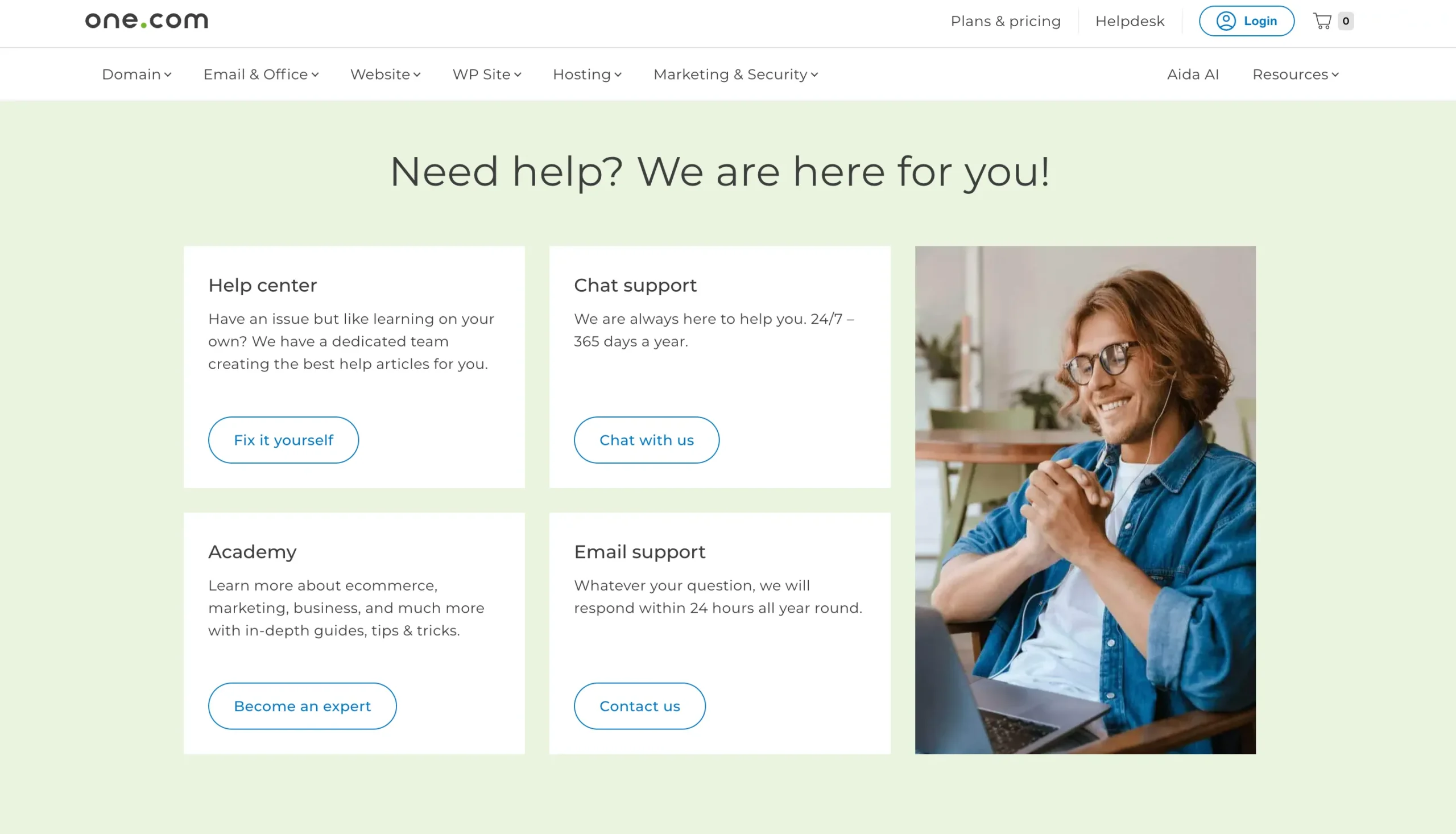
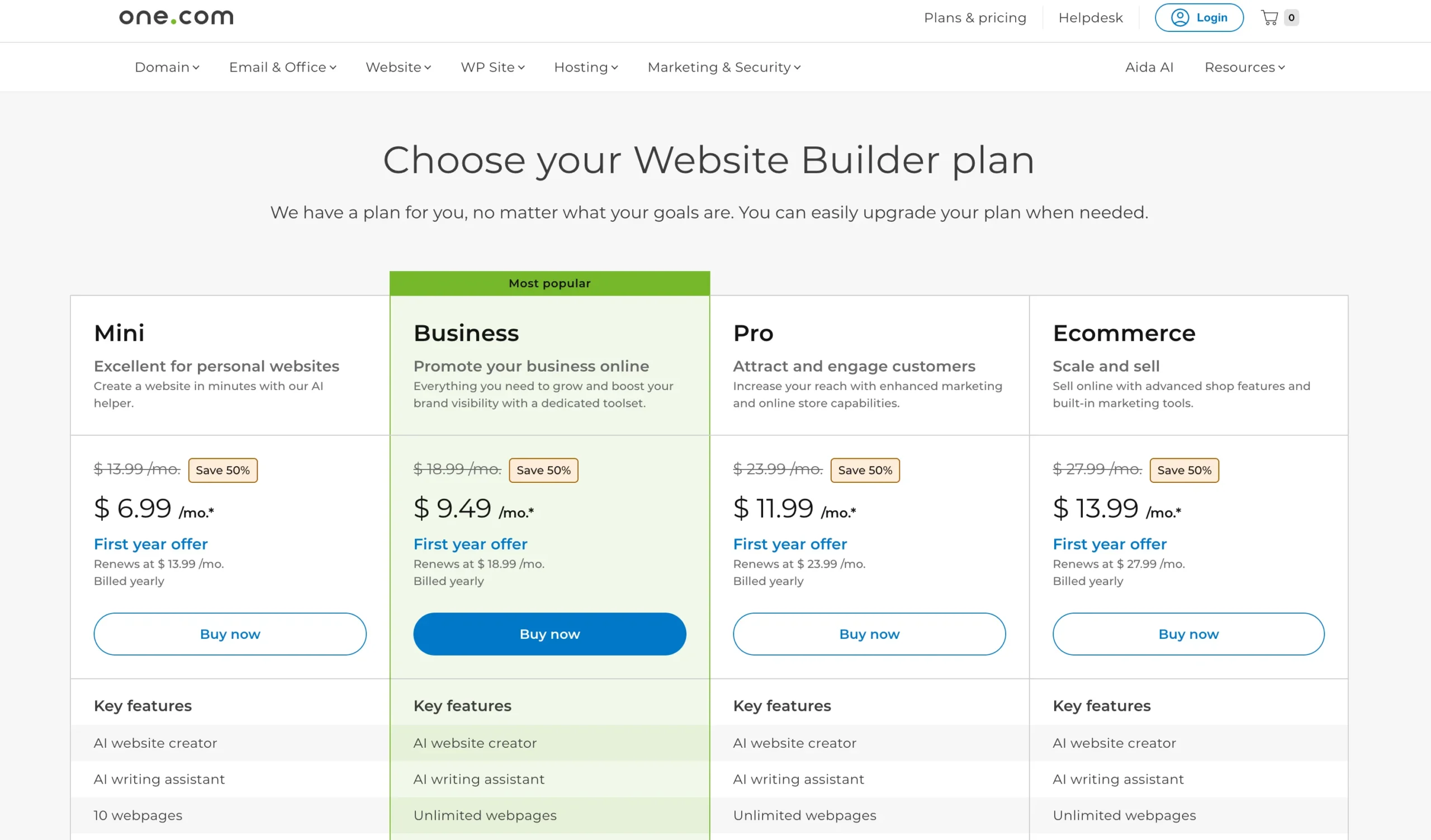
24/7 chat (under 5-min waits), email (24h response), help center with ecommerce guides.
Academy videos cover “SEO for Shops.” Free consultation: Experts reviewed my site, suggesting tweaks that lifted conversions 10-15%. App for on-the-go management. Drawback: Phone support limited to certain regions.
Users rate it 4.7/5 for ease—real feedback echoes my experience: Reliable for solos, scales without bloat.
Quick Links:
Final Thoughts: Solid Choice for Practical Builders
one.com excels where others falter: AI speeds creation realistically (not magically), ecommerce adds revenue without complexity, VPS ensures growth.
For affiliates, it’s a time-saver—my commissions rose 40% post-switch via better sites. Start with Business if unsure.
Realistic caveat: Best for straightforward needs; heavy custom dev might need add-ons. If you’re done with tech headaches, it’s worth the trial.