
Microsoft is rolling out a simple in-meeting toggle letting Teams organizers and presenters turn off Copilot, Facilitator and Recap during live meetings, a reversal that follows weeks of user complaints about how aggressively AI features had been pushed into the collaboration app by default.
The controversy centered on Facilitator, a real-time AI assistant introduced in early July that listens throughout a meeting and jumps into the chat when it detects a gap or an unanswered question.
For many users, an always-listening assistant read less like a helpful feature and more like a privacy problem, and the backlash was swift enough that Microsoft reversed its rollout plan within roughly a week. Microsoft’s own product demo shows what the feature looks like in practice.
What Changes for Teams Users
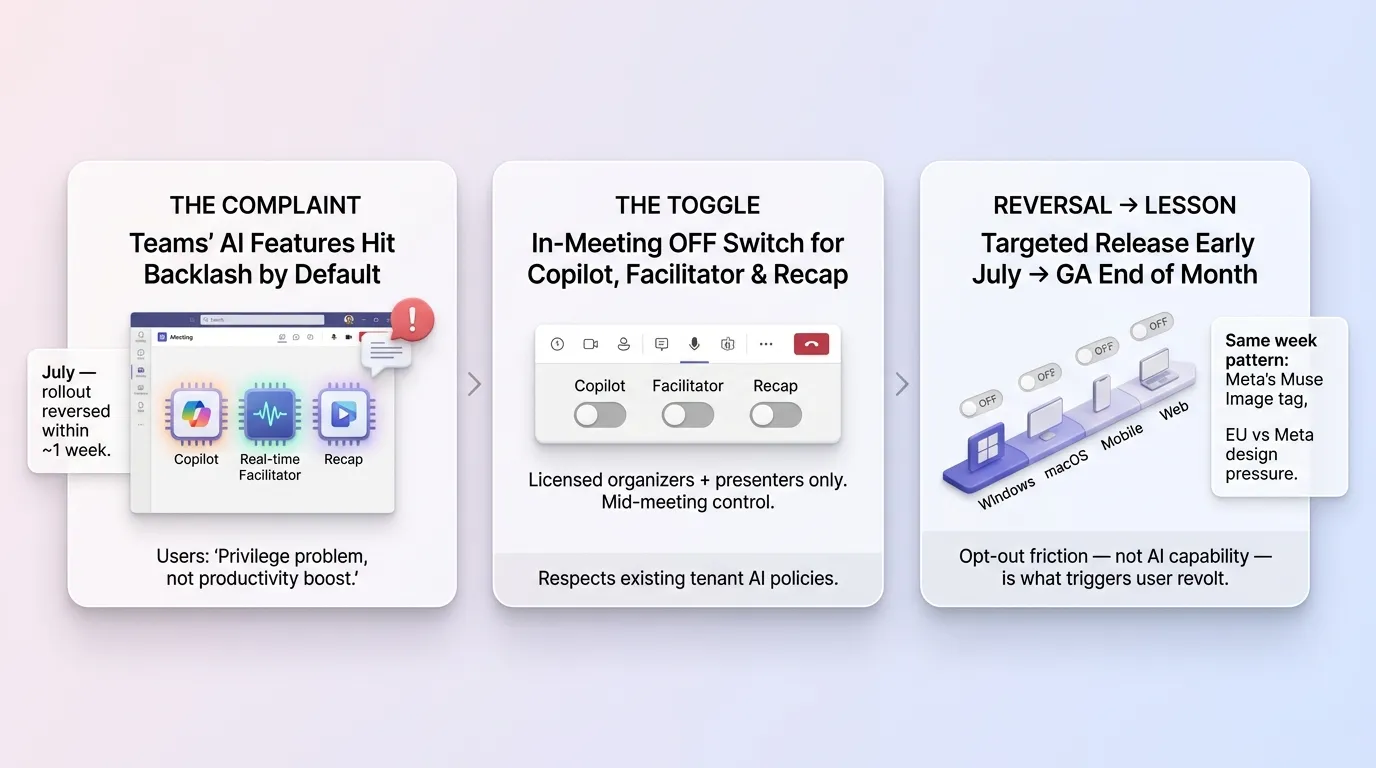
The new control lets licensed organizers and presenters manage Copilot, Facilitator and Recap independently — for instance, disabling Copilot and Recap while keeping Facilitator active, or switching all three off entirely.
The toggle appears mid-meeting, giving hosts real-time control rather than requiring changes to be made in advance through admin settings. It respects existing tenant-level policies: if an organization’s IT department has already disabled Meeting AI entirely, the toggle simply won’t appear for that tenant’s meetings.
Microsoft is rolling out the change in phases, starting with Targeted Release in early July and expanding to General Availability by the end of the month, across Windows, macOS, mobile and web versions of Teams.
A Pattern Across the Industry
The episode fits a broader pattern this July of AI features launched aggressively by default, then walked back after user pushback — echoing Meta’s rapid reversal of its Instagram “Muse Image” account-tagging feature earlier the same week, and coming as the EU separately presses Meta over allegedly manipulative app design.
In Microsoft’s case, the issue wasn’t consent over other people’s data, but a more basic expectation: users didn’t want an AI system listening to and summarizing their meetings without a clear, easy way to say no.
The reversal also underscores a tension every major software vendor is navigating in 2026: enterprise customers want AI features to justify subscription price increases and Copilot licensing costs, but the same customers are increasingly wary of AI systems that operate in the background without transparent, granular controls.
Microsoft’s willingness to add an easy off-switch within days of the backlash suggests vendors are learning that opt-out friction, not the AI capability itself, is often what triggers the strongest user revolt.
Microsoft has not said whether it will apply similar granular, in-the-moment controls to AI features in other Microsoft 365 apps going forward.
Quick Links: