

Publisher Rocket is a research tool that helps Amazon authors choose better keywords and categories. It is worth it for writers who publish regularly and want to stop guessing.
- Helps find better keywords
- Shows less competitive categories
- One-time payment
- Easy to use after learning
- Saves research time
- Useful for both fiction and nonfiction
- Not useful outside Amazon
- Needs time to understand
Price: $199 One-time
Publisher Rocket helps authors pick the right keywords and categories so their books are easier to find on Amazon. It shows what readers search for and how much competition exists.
Many authors spend months creating a book, yet it still gets buried among other titles. The right keywords can change that, but guessing often leads to poor results.
If you are unsure whether this tool is worth buying, this Publisher Rocket review explains what it does, its benefits, its limits, and if it fits your needs in 2026.
More About Publisher Rocket
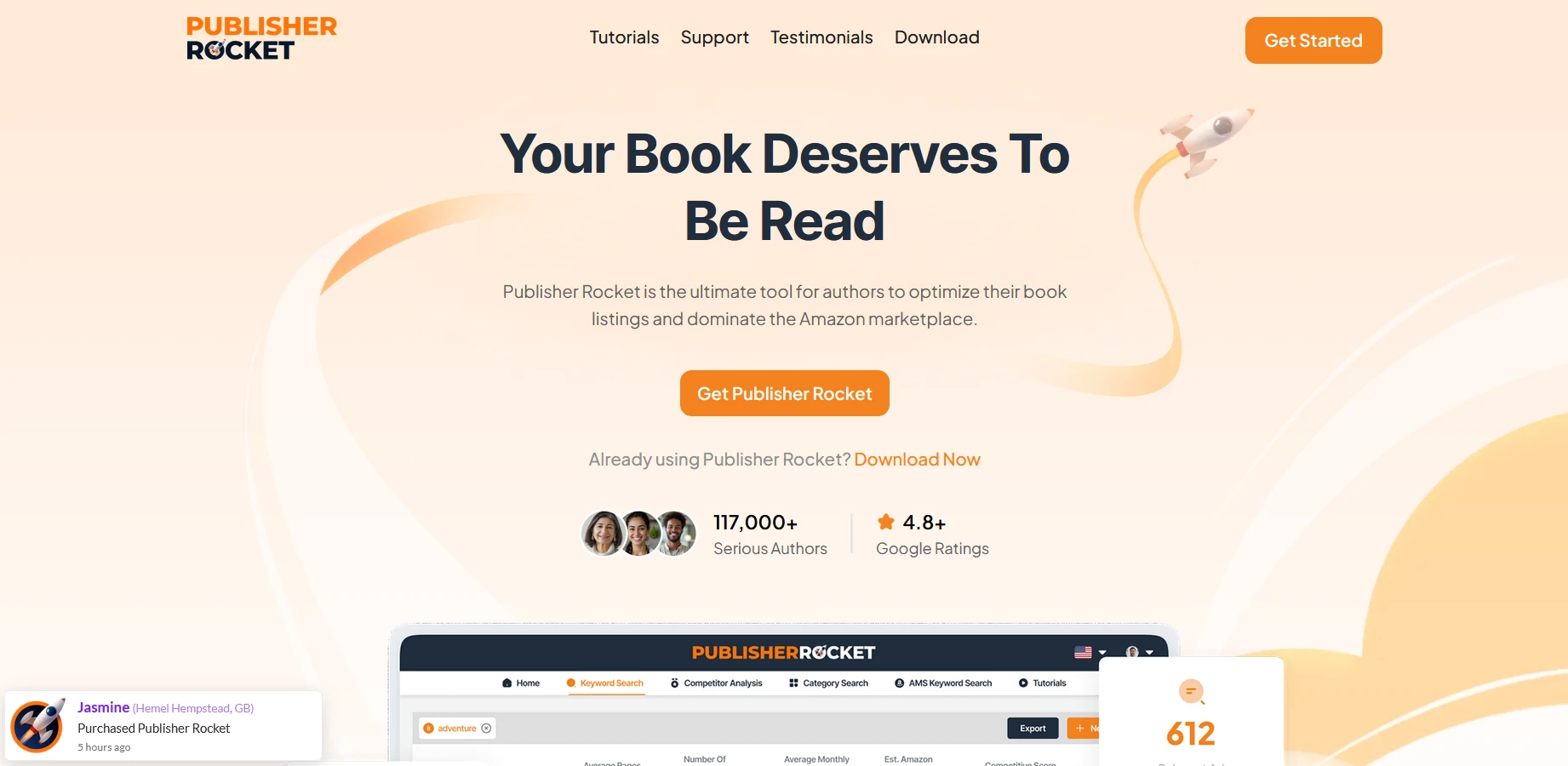
Publisher Rocket is a research tool made for authors who publish on Amazon. It was created by Dave Chesson, the founder of Kindlepreneur. The software was first released under the name KDP Rocket and later rebranded as Publisher Rocket.
The tool pulls data from Amazon to show what readers search for and how books rank in different categories. You install it on your computer, and it works on Windows, Mac, and Chromebook. There is no mobile app and no web version.
The price is a one-time payment of $199. You get lifetime access, free updates, and a 30-day refund policy.
More than 117,000 authors use Publisher Rocket. Many rely on it to research book ideas, improve their book listings, and plan ad campaigns using data instead of guesswork.
The software focuses on the US Amazon store and also supports the UK, Canada, Australia, Germany, France, Spain, and Italy. In total, it covers eight Amazon marketplaces.
Publisher Rocket will not replace strong writing or a quality cover. But it helps your book become easier to discover on Amazon, which is why many self-published authors continue to use it.
Who Is Publisher Rocket Best For?
Publisher Rocket suits these types of authors:
- Amazon self-published authors who want better visibility and sales
- Indie authors who take publishing as serious work
- Writers preparing a new book launch need clear keywords and categories
- Authors with multiple books who want to improve older listings
- People running Amazon ads who need keyword ideas
- Authors who prefer using data to guide decisions
- Non-fiction writers where search terms affect sales
- Authors focused on the US Amazon store
If you plan to publish more than one book and want readers to find your work, this tool can be a good fit.
Who Should Avoid Publisher Rocket?
You may want to skip this tool if you fit these groups:
- New writers with no book ready and limited funds
- Authors who publish one book for personal reasons
- Writers who sell mainly outside Amazon
- Authors targeting markets with limited data support
- People expecting a tool to fix poor content or design
- Writers who do not want to learn how data works
- Anyone looking for a free or very low-cost option
Key Features of Publisher Rocket
Key Features of Publisher Rocket
Publisher Rocket offers several tools that help Amazon self-published authors make better publishing choices using real Amazon data. Each feature focuses on improving book visibility, ranking, and planning.
1. Keyword Research
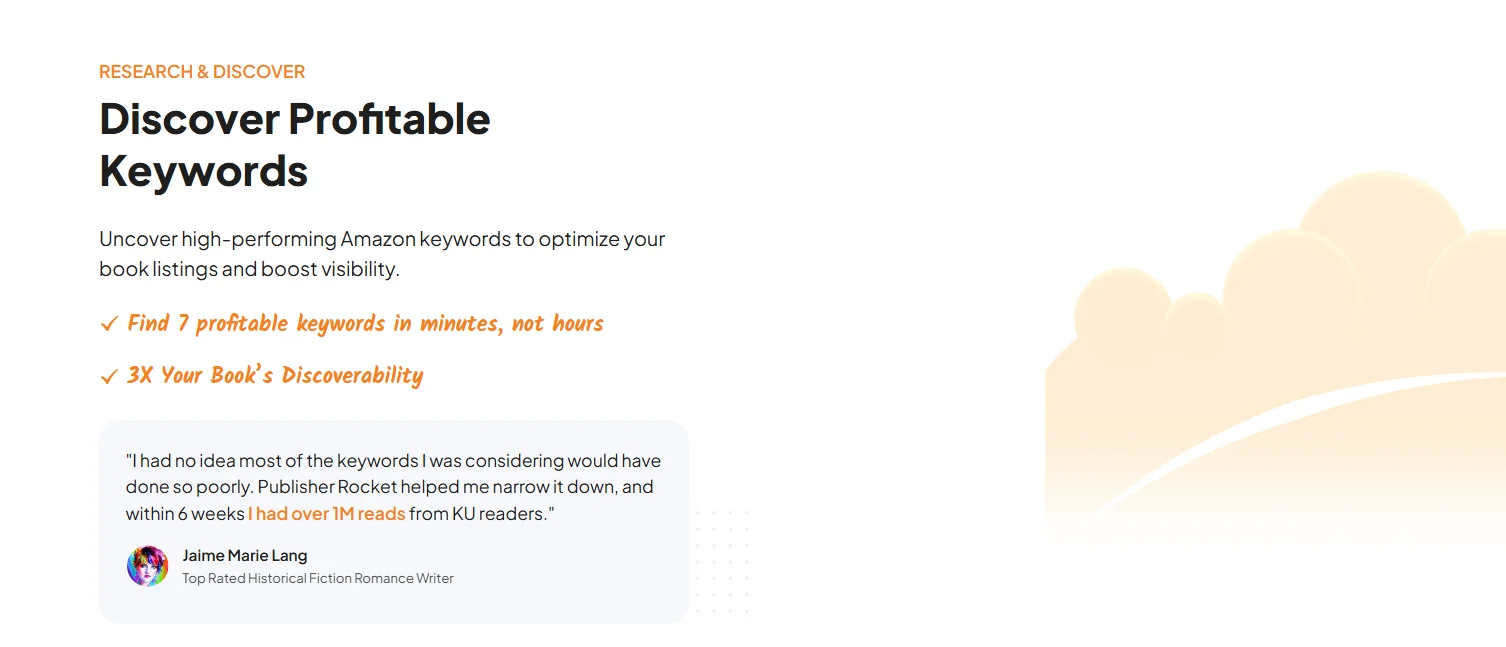
Keyword research is the main part of Publisher Rocket and the feature most authors use first. You enter a word, phrase, book title, or topic related to your book idea. The tool then finds keywords that readers actually type into Amazon when searching for books.
For each keyword, it shows:
- How many times readers search for it
- How difficult it is to rank for that keyword
- Estimated earnings of top-ranking books
- Approximate sales needed to reach page one
The results appear in an organized list with color indicators that help you spot strong opportunities. This feature helps authors select better backend keywords and front end terms for their Amazon listings.
Using the right keywords increases the chance of your book being shown to the right readers.
2. Category Research
Amazon shows only a small number of categories during book upload, but many more exist behind the scenes. Category Research helps authors find these hidden categories and understand how competitive they are.
You search using a topic or keyword, and the tool displays matching categories. For each category, it provides:
- Sales needed per day to reach the top position
- Current bestselling books in that category
- Overall competition level
This feature helps authors choose categories where ranking is possible with fewer sales. Many writers use it during launch or later to change categories and improve visibility. Choosing the right category can help a book gain traction and attract more readers.
3. Competition Analyzer
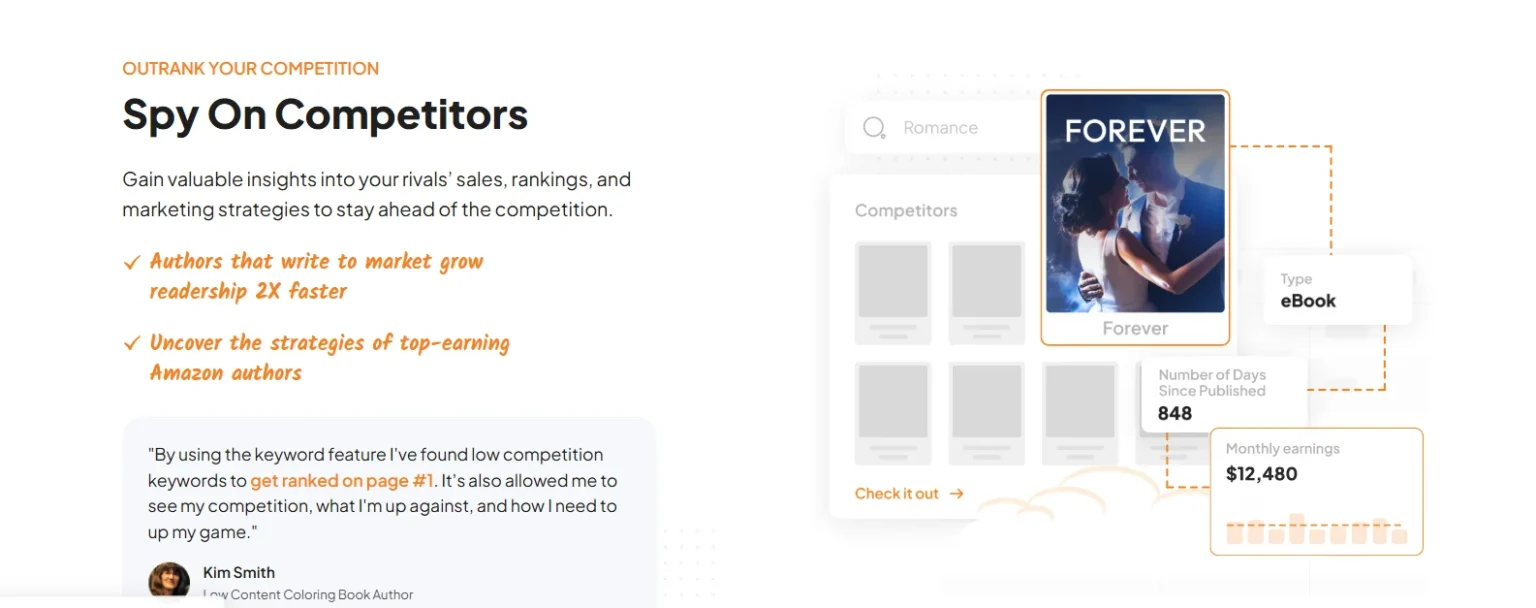
The Competition Analyzer helps authors study books already ranking in their niche. You enter a keyword, ASIN, or ISBN, and the tool shows top competing books on Amazon.
For each competitor, it displays:
- Sales rank and estimated daily and monthly sales
- Book price and review count
- Estimated monthly income
- Book cover and product description
- Keywords the book ranks for
This feature helps authors understand market trends, pricing patterns, and reader expectations. By studying competitors, authors can adjust their own titles, covers, and descriptions to stand out while staying relevant.
4. Amazon Ads Keyword Tool
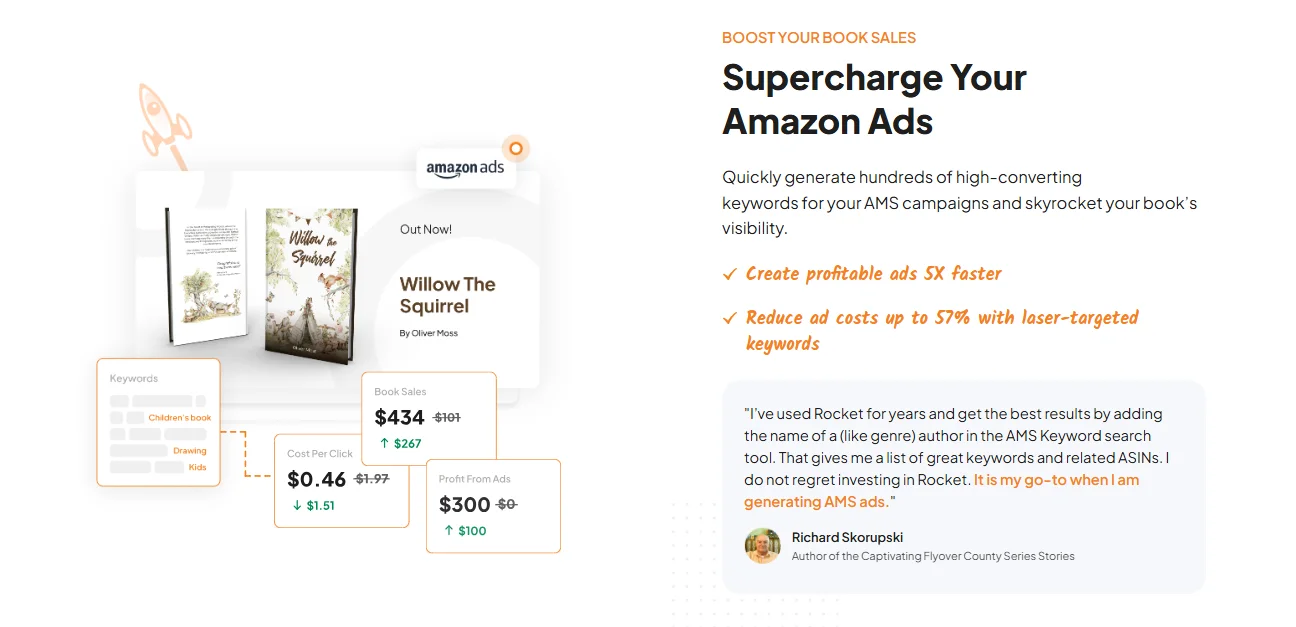
This tool supports authors who run Amazon ads and need strong targeting options. You enter a keyword, book ASIN, or author name to generate a list of ad targets.
The tool provides:
- Search keywords used by readers
- Competing book ASINs
- Author targets
- Category and bestseller targets
You can export these lists and use them directly in ad campaigns. This feature saves time and helps authors build focused ad campaigns. Better targeting can reduce wasted ad spend and improve results.
5. Access to 19,000+ Amazon Categories
One of the strongest features of Publisher Rocket is access to more than 19,000 hidden categories on Amazon. Many authors do not know these categories exist.
When you upload a book through Kindle Direct Publishing, you see only a small list of category options. Behind the scenes, Amazon has thousands more. These hidden categories often have fewer competing books, which gives new titles a better chance to rank.
Publisher Rocket gives you access to this full list. You can search through all available categories and find one that fits your book. The tool shows how competitive each category is and how many daily sales you may need to reach the first page.
For example, instead of competing in a broad category like Science Fiction with tens of thousands of books, you might find a smaller subcategory with only a few hundred titles. The readers are similar, but the competition is lower. This makes it easier for your book to rank and gain visibility.
Other Useful Features Included
Reverse ASIN Lookup: Let’s you enter a competing book ASIN to see which keywords it ranks for on Amazon, helping you understand what works in your niche.
Data Export: Allows you to download keyword and category data in CSV format so you can review, organize, or plan your strategy outside the tool.
Multi Market Support: Works with major Amazon stores, including the US, UK, Canada, Australia, Germany, France, Spain, and Italy, making it useful for authors selling in multiple regions.
Audiobook Insights: Provides data related to Audible books, helping authors who publish audiobooks understand demand and competition.
Learning Resources: Includes clear step-by-step guides and video tutorials inside the software to help users understand each feature.
Customer Support: Offers help through email and a support section where users can find answers to common questions.
Free Updates: Provides ongoing software updates at no extra cost, improving speed, accuracy, and adding new features over time.
Pricing Plans Overview
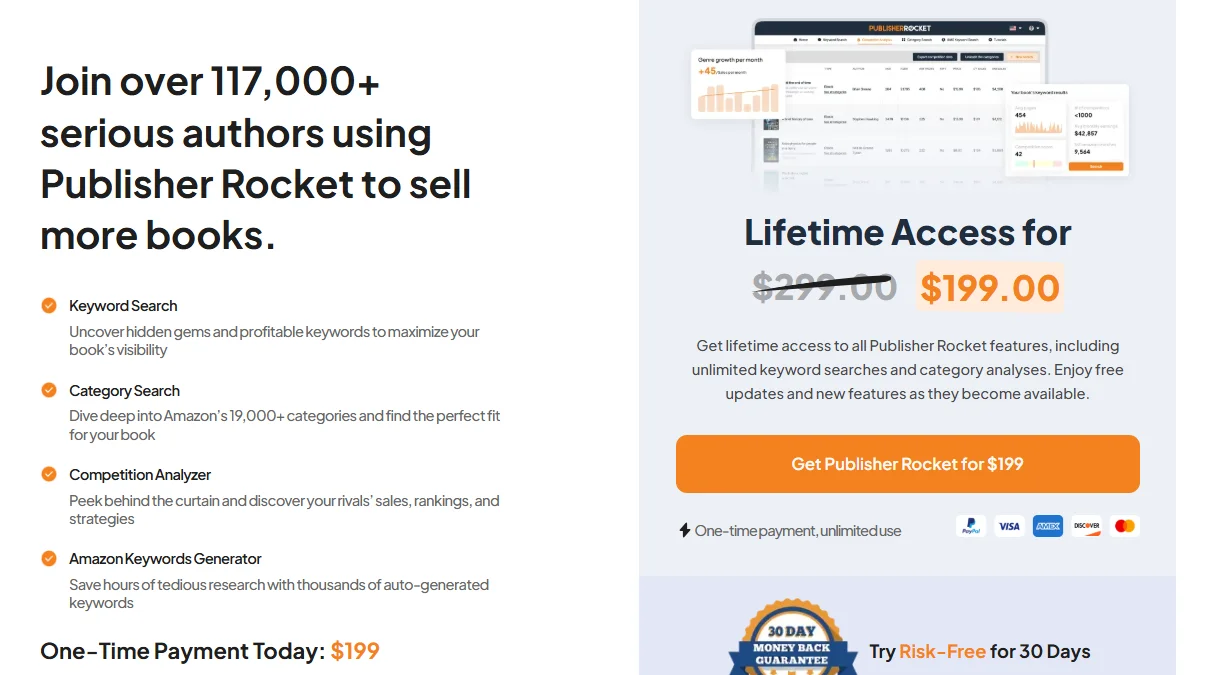
Publisher Rocket follows a one-time payment model. In 2026, the price is $199. You pay once and can use the software without any ongoing fees.
This payment includes:
- Access to all current features
- Use on Windows, Mac, and Chromebook computers
- Free updates and new features in the future
There are no extra charges or hidden payments after purchase. Many authors see this cost as a long-term investment because better keywords and categories can help improve book sales.
Writers who plan to publish several books may find the price reasonable, while those with limited budgets or a single book may want to consider if it fits their plans.
Refund Policy of Publisher Rocket
Publisher Rocket offers a 30-day money-back guarantee. This allows you to buy the software and try it without risk.
If the tool does not fit your needs within 30 days of purchase, you can request a full refund. You only need to contact their support team, and they will return your payment. The process is simple and does not involve extra steps.
Refund requests can be sent through the support page on the official Publisher Rocket website. This refund policy applies only to the one-time purchase and ends after 30 days. If you keep the software, you continue to receive updates and access for life.
Pros and Cons
Pros
- One-time payment of $199, no monthly fees.
- Lifetime updates and new features free.
- Saves hours on keyword and category research.
- Real Amazon data for searches, competition, and sales estimates.
- Helps find low-competition keywords and categories.
- Improves book rankings and sales for many authors.
- Easy to use with clear results and color codes.
Cons
- No free trial period
- Desktop software only
- Single-device license restriction
- Only works for Amazon KDP
Performance & Usability of Publisher Rocket
Publisher Rocket runs on Windows, Mac, and Chromebook computers. Keyword, category, and competition searches load within seconds, so you can review many ideas in one session. Updates released in 2025 improved stability and fixed earlier server issues, which made the tool more reliable during longer research sessions.
The interface uses green, yellow, and red colors to show competition levels, making it easy to scan results. New users may need some time to explore the features, but the built-in video guides help with setup and use.
Since it is desktop software, it does not rely on a browser. There is no mobile app, and one license works on only one computer. Newer computers run it smoothly, while older systems may feel slower.
Customer Support by Publisher Rocket
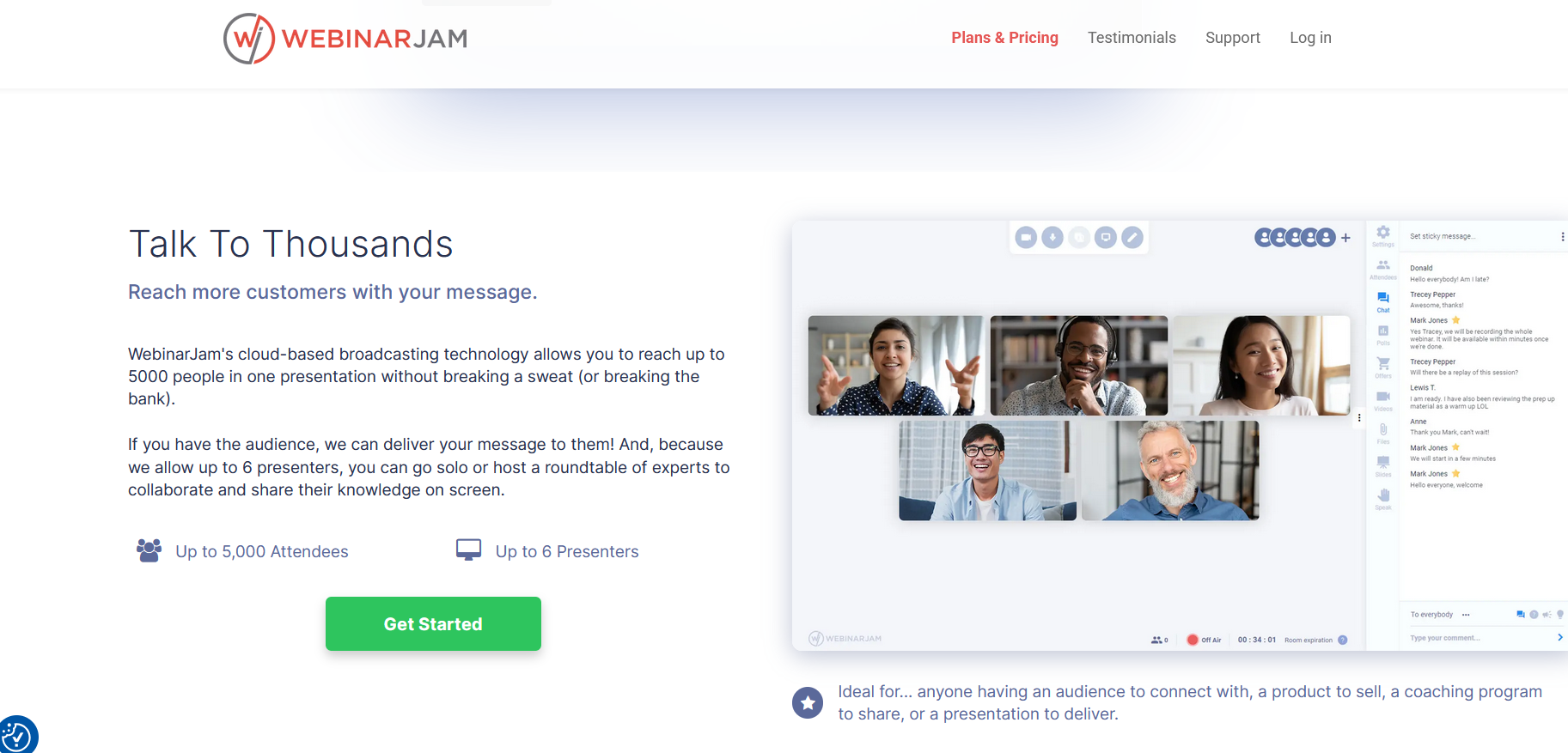
Publisher Rocket offers helpful customer support for its users. The main support comes through the official help page on the Publisher Rocket website, where users can find guides, answers to common questions, and step-by-step videos that explain how the tool works.
If users need direct help, they can contact the support team through a form or by email. The team responds during weekdays and helps with setup issues, feature questions, and general use.
There is no phone or live chat support, but email support covers most needs. User feedback is taken into account, and updates often reflect suggestions from authors.
Publisher Rocket Vs Competitors
Publisher Rocket vs Helium 10
| Feature | Publisher Rocket | Helium 10 |
|---|---|---|
| Type | Desktop software for books only | Web based tool for products and books |
| Access | Install on one computer | Use in browser on any device |
| Price | $199 one time | $99 to $999 per month |
| Category Access | 19,000+ Amazon categories | No full category access |
| Rank Tracking | Shows current rank only | Tracks ranking over time |
| Best For | KDP authors on budget | Sellers needing advanced tools |
Verdict : Publisher Rocket is better for book focused authors who want low cost. Helium 10 offers more features but costs much more.
Also read: Helium 10 Review: Must-Have Amazon Seller Tool ?
Publisher Rocket vs KDSPY
| Feature | Publisher Rocket | KDSPY |
|---|---|---|
| Type | Desktop software | Chrome extension |
| Access | One installed computer | Any device with Chrome |
| Price | $199 one time | $99 per month |
| Category Access | 19,000+ categories | Limited category data |
| Updates | Regular updates | Frequent updates |
| Ease of Use | Beginner friendly | Slight learning curve |
Verdict : Publisher Rocket costs less long term. KDSPY updates more often and works inside the browser.
Publisher Rocket vs BookBeam
| Feature | Publisher Rocket | BookBeam |
|---|---|---|
| Type | Desktop software | Web based tool |
| Price | $199 one time | Around $97 per month |
| Category Access | 19,000+ categories | Limited category research |
| User Base | 117,000+ users | Smaller community |
| Support | Email and tutorials | Email support |
Verdict: Publisher Rocket is cheaper long term and has a larger user base. BookBeam offers browser access with monthly cost.
FAQs
❓Does it work for Kindle Unlimited?
Yes. It includes data for Kindle Unlimited and print books. You can research keywords and categories for both.
❓Will the pricing change to subscription?
The website warns that pricing may change. Right now, it is $199 for lifetime access. Future buyers may face a yearly plan, but no official date has been announced.
❓Is there a refund policy?
Yes. You have 30 days to request a full refund.
❓Is it still useful with AI books on Amazon?
Yes. The tool helps you find real search demand and study books with strong reviews. Quality books still rank higher than low effort content.
Is Publisher Rocket suitable for beginners?
Yes, Publisher Rocket is beginner-friendly with an intuitive interface and detailed tutorials.
Quick Links:
- Helium 10 Review: #1 Tool To Sell Big On Amazon?
- Jungle Scout Review: Is It Worth the Investment for Amazon Sellers?
- AliDropship Review: Still the Best for Dropshipping?
- Deadline Funnel Review: Is Deadline Funnel Worth It ?
- Semrush Review : Best Tool for SEO and Digital Marketing?
Final Thoughts
Publisher Rocket is a reliable tool for Amazon self-published authors who want to improve how their books are discovered. It helps with keywords, categories, and planning by using clear data rather than guesses.
If you are unsure, you can try it with confidence because it comes with a 30-day money-back guarantee, giving you time to test the tool and decide if it fits your publishing goals.