

- Easy to use and quick setup
- Free plan available
- Low cost compared to many others
- Many proxy types (shared, static, rotating)
- Good speed and uptime
- Works well for scraping, SEO, and data tasks
- Support is mostly ticket-based, not live chat
- City level location targeting is limited
Price: $0.0299
/proxy
Webshare is a proxy provider that gives you access to different IP addresses so you can browse, collect data, or run online tasks without showing your real identity.
Some people wonder if it is a reliable option or just another name in the crowd.
The answer is yes, it does stand strong, and in this webshare review, we will take a closer look at what it offers, how it works, and why many users trust it.
Quick Overview:
| Aspect | Details |
|---|---|
| Service Type | Proxy service (Datacenter, Static Residential, Rotating Residential) |
| Starting Price | From $2.50 for 100 Datacenter IPs, $7 for 1 GB Residential |
| Free Plan | 10 free proxies and 1 GB data monthly |
| Locations | 30M plus IPs in 195 countries |
| Main Features | Fast speed, HTTP/SOCKS5, API access, proxy lists, easy dashboard |
| Best For | Web scraping, SEO, social media, price tracking, privacy |
| Support | AI help and ticket support |
| Founded | 2018, based in Bay Area, California |
More About Webshare
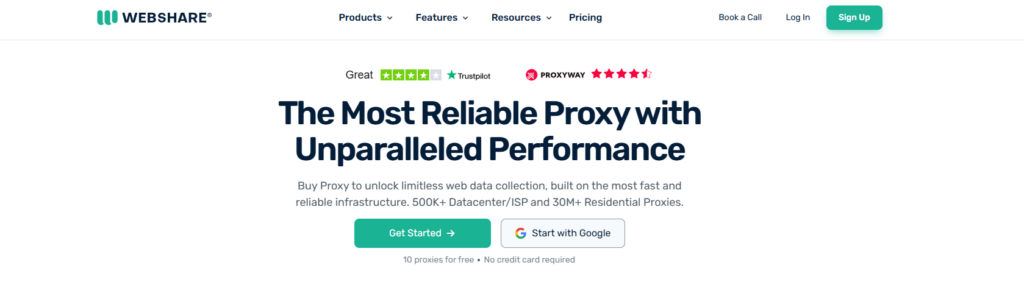
Webshare is a proxy service that began in 2018 and is based in California. It entered the market as a platform where users could set up and manage proxy servers on their own, mainly for data gathering and research. Its focus on strong performance and safe use helped it gain attention and grow.
In 2022, Oxylabs purchased Webshare, but it still operates under its own name. This support from a larger company helps it improve and reach more users while keeping its original goal of serving both small users and large companies.
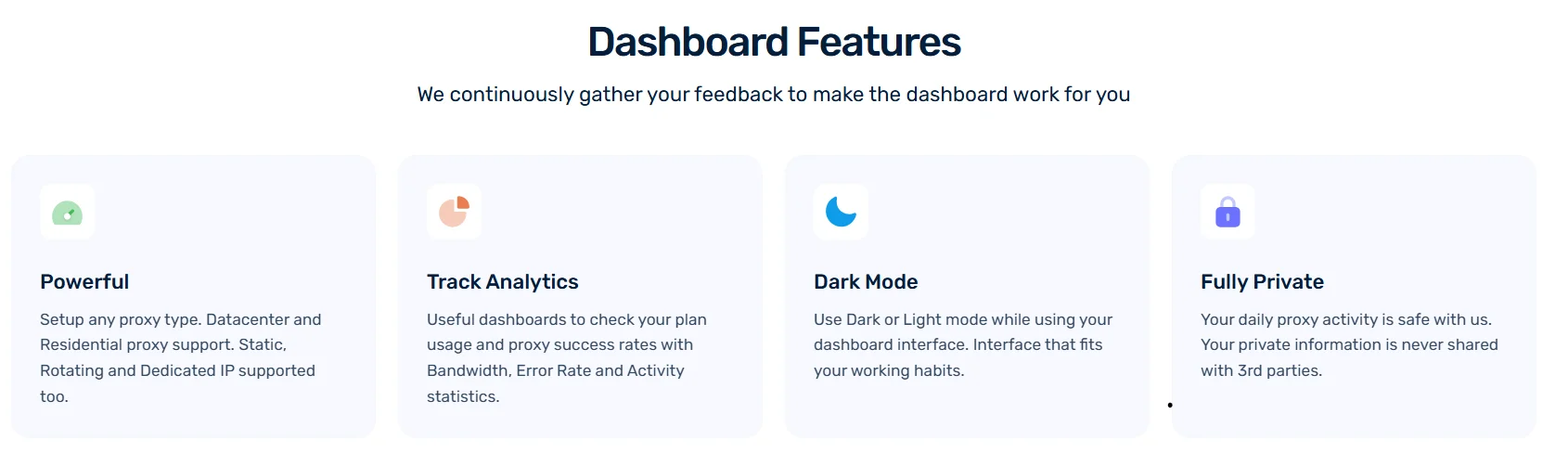
The platform offers a clear dashboard where users manage their proxies, check usage, and track activity in one place. It supports a setup process that does not require technical knowledge.
Webshare handles billions of requests each month, keeps strong uptime, and serves customers in many countries with a team skilled in security. The service continues to run actively and stably through late 2025.
Size of IP Pool:
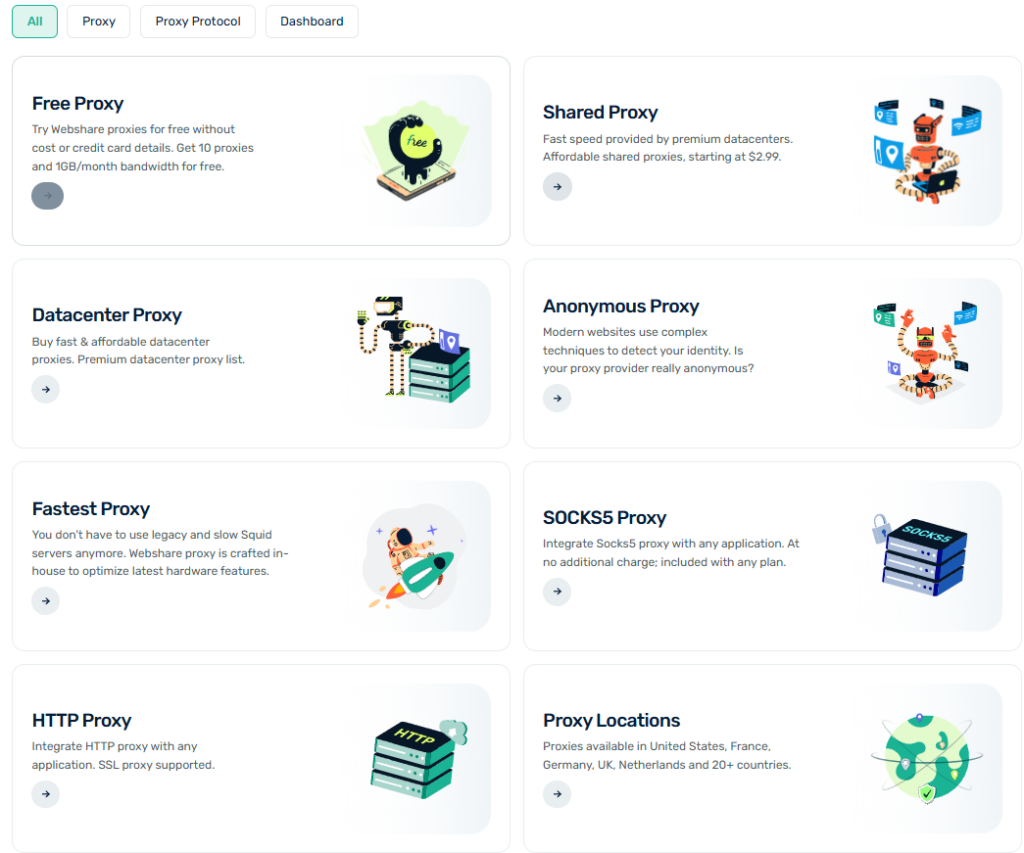
Webshare provides a large and flexible IP pool that supports many types of proxy use like web scraping, data collection, and other tasks that need privacy and stable connections.
They offer over 10 million Rotating Residential proxies that use real home IP addresses. These proxies change often to lower the risk of getting blocked. This makes them useful for collecting large amounts of data or viewing websites blocked by location.
Webshare also offers 150,000 Datacenter proxies. These are hosted on strong servers and give steady and fast connections. They are a good choice for users who want low-cost, high-speed access to general content or use tools that run on automation.
For users who need IP addresses that do not change, Webshare provides 15,000 Static Residential proxies. These use real residential IPs and keep the same address each time. They are good for tasks like running social media accounts or using services that need the same login location.
With proxy options in over 50 countries, Webshare lets users pick IPs from certain regions. This helps with local content or working with data from specific places. The wide network supports users who do market research, collect data, or study competitors by giving them strong performance and access to many locations around the world.
Pricing of Webshare:
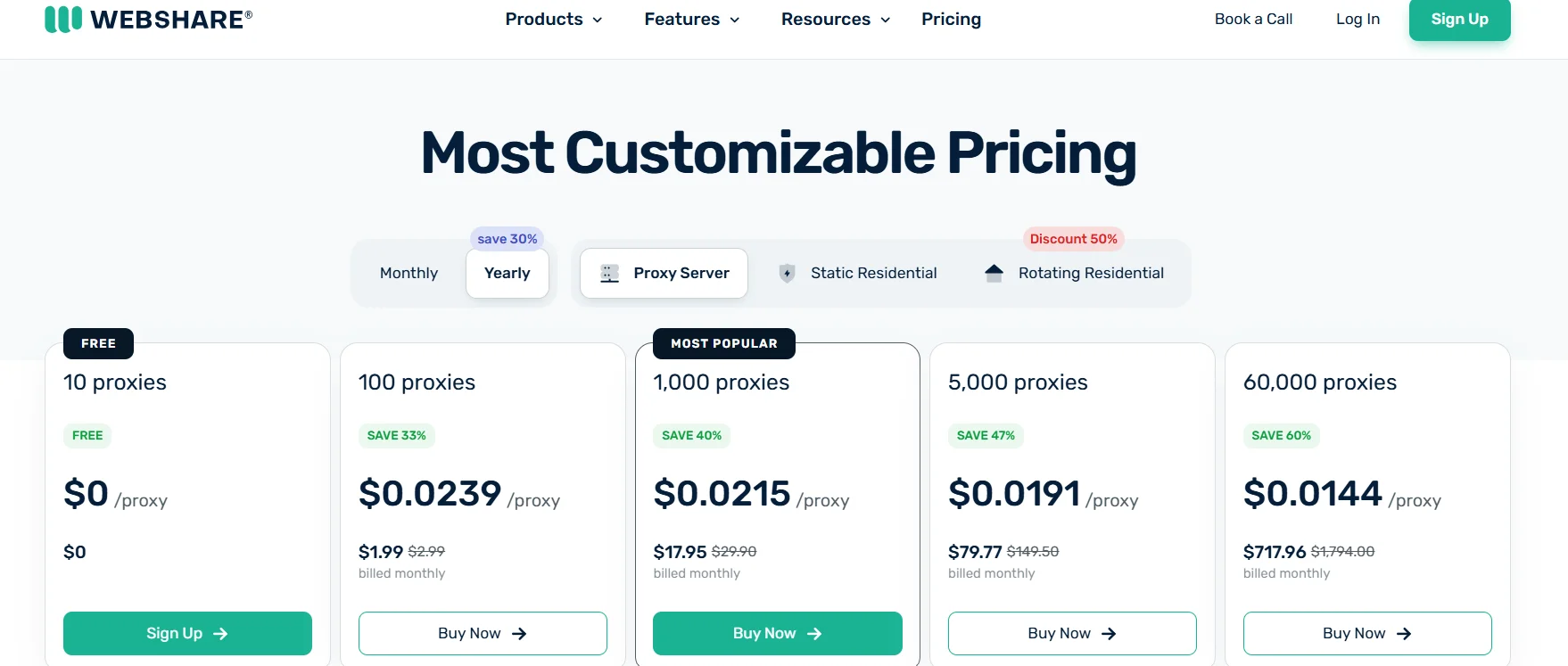
Webshare pricing depends on proxy type, number of proxies, and billing cycle. Buying in bulk lowers the price per unit. All paid plans include full platform access.
| Plan Type | How You Pay | Starting Price | What You Get |
|---|---|---|---|
| Free Plan | No payment required | Free | 10 datacenter proxies and 1 GB each month, email signup only |
| Datacenter Proxies (Shared) | Per proxy each month | From $0.05 per IP (example: 100 for $2.99/month) | Lower cost at scale, strong for basic website tasks |
| Static Residential (ISP, Shared) | Per proxy each month | From $0.30 per IP | Uses real ISP IPs, many plans have no bandwidth limits |
| Dedicated Static Residential | Per proxy each month | Around $0.74 per IP | Private IPs with stronger performance and no sharing |
| Rotating Residential | Per GB of data | $3.50–$4.50 per GB (can drop to $1–$2 with bulk) | Large IP pool, IPs switch often, only pay for the data used |
| Unlimited Bandwidth Plans | Fixed monthly fee | Price varies | Available across proxy types, built for high data needs |
Notes:
- Proxy Server: Scales up to $1,794 for 100,000 proxies.
- Static Residential: Up to $1,080 for 5,000 proxies.
- Residential: Bandwidth-based, up to $13,500 for 3,000 GB.
- Verified Proxies: Dedicated IPs, up to $2,025 for 5,000 proxies.
Payment Options
- Payment Methods: View or update payment methods (e.g., credit cards, Stripe Link). You can list all methods or retrieve a specific one by ID, with pagination and filtering options.
- Transactions: List all transactions with filtering by status (e.g., completed, refunded) or amount, supporting pagination.
- Subscriptions and Plans: Manage subscriptions (which persist across plan changes) and plans (customizable proxy settings). Endpoints allow upgrading, canceling, or updating plans with details like proxy type, bandwidth, or refresh frequency.
Webshare Integrations:
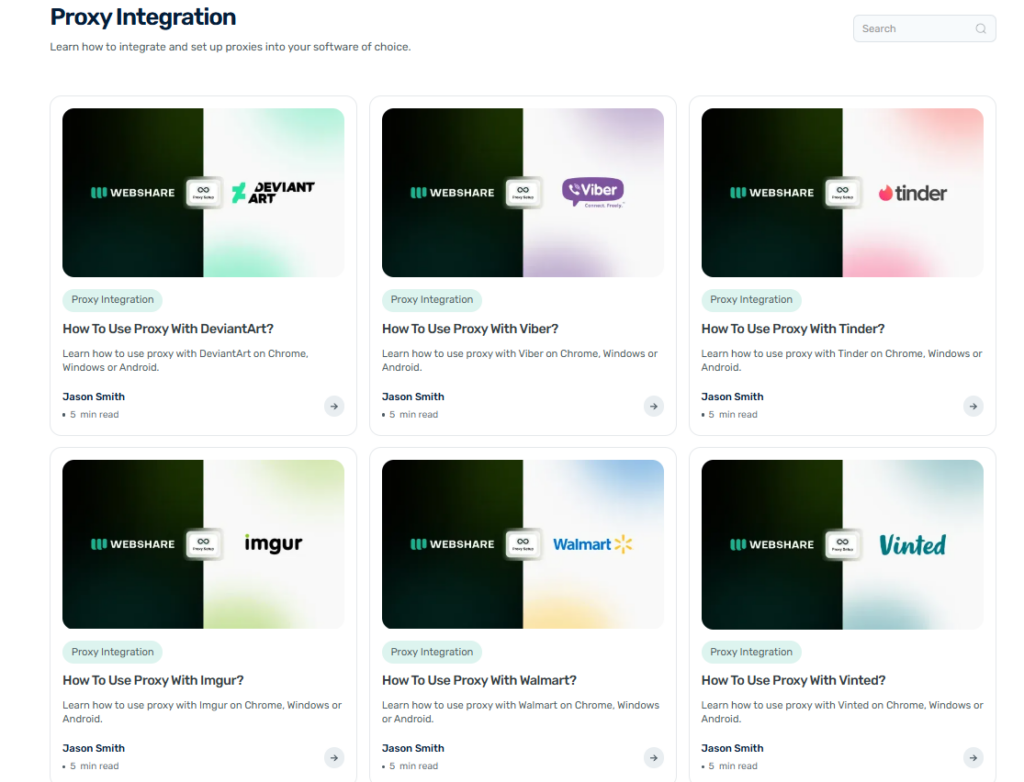
Webshare offers a wide range of integrations to make proxy setup smooth across various platforms and tools.
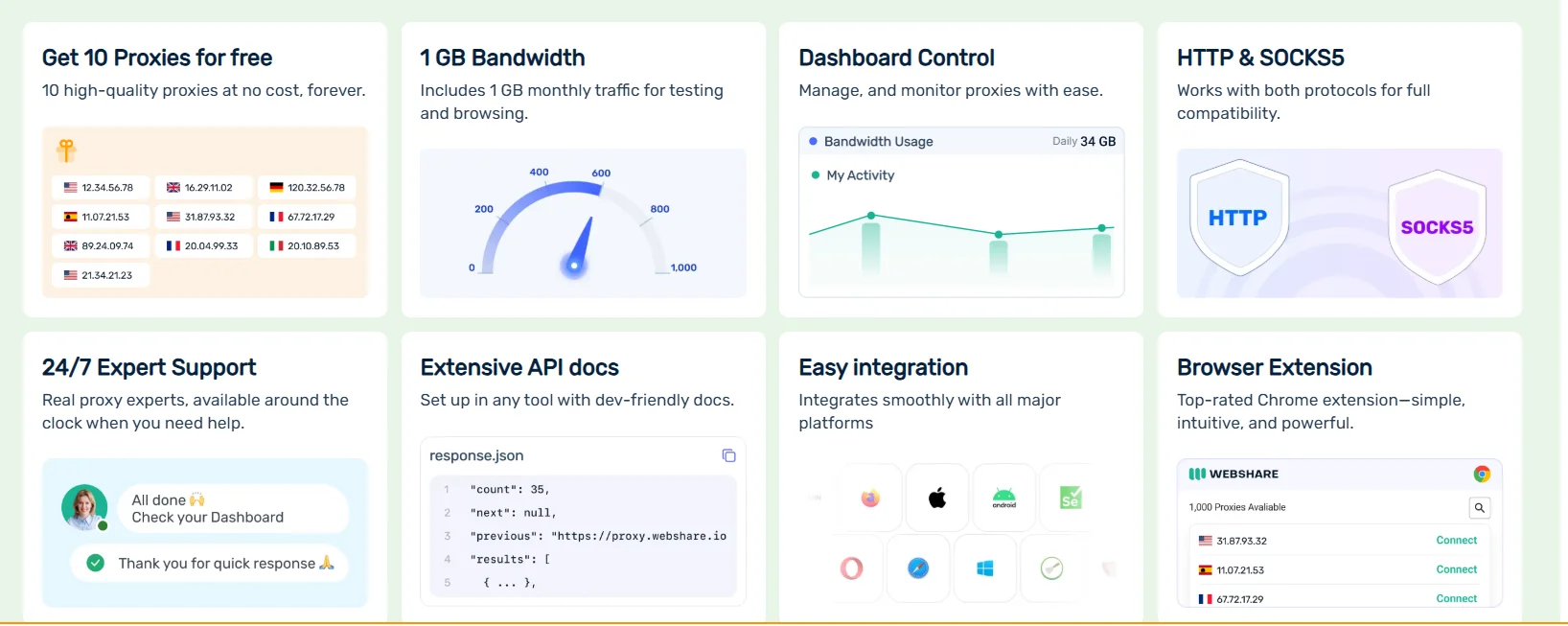
You can integrate Webshare proxies with browsers like Chrome, Firefox, Safari, and Vivaldi, using extensions such as FoxyProxy or SwitchyOmega for seamless browsing, or set them up manually on iPhone, iPad, and Android devices via tools like Shadowrocket and SocksDroid.
It also supports anti-detect browsers like Multilogin, MoreLogin, Undetectable.io, ixBrowser, GoLogin, and others (e.g., AdsPower, Incogniton, Lalicat, Nstbrowser), which are great for managing multiple accounts without detection perfect for social media marketing or e-commerce.
Webshare proxies work with apps like WhatsApp, Telegram, Viber, Tinder, and TeamViewer, as well as platforms like Amazon, Alibaba, AliExpress, Airbnb, Craigslist, Temu, DHgate, and Walmart, helping you access geo-restricted content or scrape data.
You can also configure proxies for search engines (Google, Bing, Yahoo, Yandex, DuckDuckGo), streaming services (Hulu, Crunchyroll), and gaming consoles like PS4/PS5.
I’ve personally found their step-by-step guides super helpful for setting up proxies with tools like Proxifier and Shadowsocks, making tasks like anonymous browsing or data collection a breeze!
Usability:
Webshare’s usability is straightforward and user-friendly, making it a great choice for proxy management. Right after signing up, no credit card needed, you get 10 free data center proxies with a 1 GB monthly limit, which I received instantly and have been using for a while now.
Adding them to your browser is easy: just copy the proxy address and port from the proxy list, paste them into your browser settings, enable the proxy, and reload the page to connect I always check the IP info to confirm it’s working, and it’s been smooth every time.
The dashboard is clean and packed with tools like plan details, usage stats, proxy configuration, and API documentation, plus handy graphs showing proxy usage, bandwidth, and errors, which you can filter by date for better insights.
You can customize plans with add-ons, but you’re limited to one active plan at a time, so I suggest using a second account with a different email if you need multiple proxy types.
Webshare also offers a robust API for programmatic access, covering tasks like registration, login, proxy setup, and traffic limits, with clear code examples in cURL, Python, and JavaScript. I’ve tried it myself, and it’s super versatile for integrating into projects.
Overall, Webshare’s usability is a win for both beginners and pros like me!
Locations
Webshare offers proxy servers in over 50 countries. Some of the key locations include:
- United States
- France
- Germany
- United Kingdom
- Netherlands
- Canada
- Spain
- Asia (multiple countries, not individually specified in the source)
The full list of countries can be explored on their platform, as they provide proxies across North America, Europe, Asia, and other regions globally.
Pros
- Huge IP pool with over 10 million residential proxies
- Offers rotating, static, and datacenter proxies
- Covers 50+ countries for wide location choice
- Easy to use with clean dashboard
- Good mix of speed, stability, and flexibility
Cons
- Limited support for mobile proxies
- Some advanced features locked behind higher plans
- Static residential IPs have lower supply
- No live chat support for quick help
API:
The Webshare API is a RESTful interface for managing proxy servers, payments, and user settings. Below is a concise overview of its key endpoints and functionality, described in plain language without code.
Authentication:
- Most endpoints require an API key, which you generate from your Webshare dashboard. You include this key in the “Authorization” header as a token for secure access.
Proxy Management:
- List Proxies: Retrieve your proxy list, choosing between “direct” or “backbone” modes. Direct mode provides specific proxy addresses and ports, while backbone uses a single connection address (p.webshare.io) with varied ports. You can filter by plan ID or paginate results.
- Download Proxy List: Get a downloadable file of your proxies without authentication, using a token from the proxy config endpoint. You can specify countries, authentication methods, or search terms like city names.
- IP Authorization: Authorize specific IP addresses for proxy access as an alternative to username/password authentication. Endpoints let you create, list, or delete IP authorizations with optional plan ID filtering.
- Proxy Configuration: Fetch details about your proxy setup, including unique identifiers for configurations.
User Management:
- Profile: Access or update your user profile details.
- Sub-Users: Create, retrieve, update, or delete sub-users, available after agreeing to specific terms via Webshare’s sub-user portal.
- Two-Factor Authentication (2FA): Check or modify your 2FA settings, with email-based 2FA enabled by default.
- API Keys: Generate new API keys for secure access, labeling them for the organization.
Referral and Affiliate:
- Earn credits or PayPal payouts by referring users. Endpoints let you retrieve or update referral settings, like payout email, with agreement to Webshare’s affiliate terms.
Verification and Thresholds:
- Check thresholds for actions that might trigger verification (e.g., excessive login page requests). This helps monitor acceptable use to avoid restrictions.
Miscellaneous:
- Available Assets: See available proxy subnets across categories like free, shared, or dedicated, with subcategories such as premium or ISP.
- What’s My IP: Retrieve the IP address you’re using to access the API.
- Download Tokens: Generate tokens to download records like proxy lists or activity logs, specifying the scope of data needed.
Key Elements:
- RESTful Design: Uses predictable URLs, JSON for requests and responses, and standard HTTP methods (GET, POST, PATCH, etc.).
- Pagination: Supported on list endpoints with parameters like page and page size or starting_after for streaming data.
- Filtering and Sorting: Many endpoints allow filtering (e.g., by exact values, ranges, or text search) and sorting (e.g., by status or date).
- Backward Compatibility: Updates won’t break existing clients, ensuring stability.
Webshare Learning Essentials:
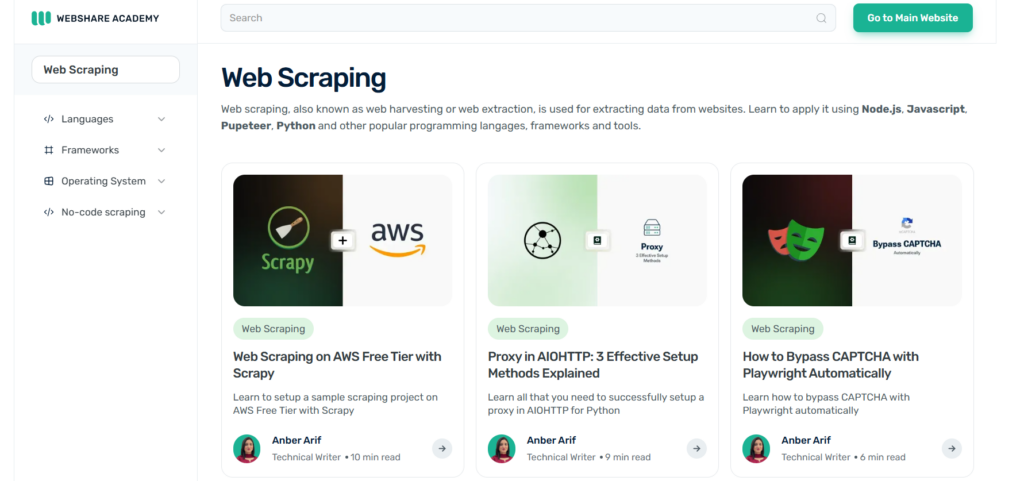
The Webshare Academy, accessible at, is a resource hub designed to educate users on web scraping techniques and best practices.
It offers a range of tutorials and guides tailored for both beginners and experienced developers, focusing on extracting data from websites efficiently and ethically.
The academy covers popular tools and programming languages like Python, Node.js, Scrapy, Puppeteer, and Selenium, providing step-by-step instructions to set up and execute web scraping projects.
Key topics include configuring proxies to avoid IP bans, bypassing CAPTCHAs, and handling dynamic web content.
It also addresses common challenges, such as dealing with website blocks or errors like 403 Forbidden, by suggesting solutions like user-agent rotation and proxy management.
The content emphasizes practical applications, such as scraping e-commerce sites or news articles, while highlighting the importance of respecting website terms of service.
Webshare integrates its proxy services into the lessons, explaining how to use their datacenter, residential, or rotating proxies to enhance scraping performance and anonymity.
The academy is user-friendly, with concise articles and real-world examples, making it a valuable starting point for anyone looking to master web scraping.
Quick Links:
- HighProxies Review : Is It Good & Safe Proxy Provider?
- Hydraproxy Review: Is It Fast & Reliable Proxy Service?
- IPRoyal Review: Is It The Right Proxy Service for You?
- Proxy-Seller Review: Is This Proxy Service a Game-Changer or a Bust?
- MarsProxies Review: The Truth About This Popular Proxy Service
Conclusion:
Webshare stands out as a reliable and practical proxy service that keeps setup and management simple. With multiple proxy types, global coverage, and pricing that fits many budgets, it supports both personal and business needs.
The free plan makes it easy to test without pressure, so the best next step is to try the 10 free proxies and decide from your own experience.